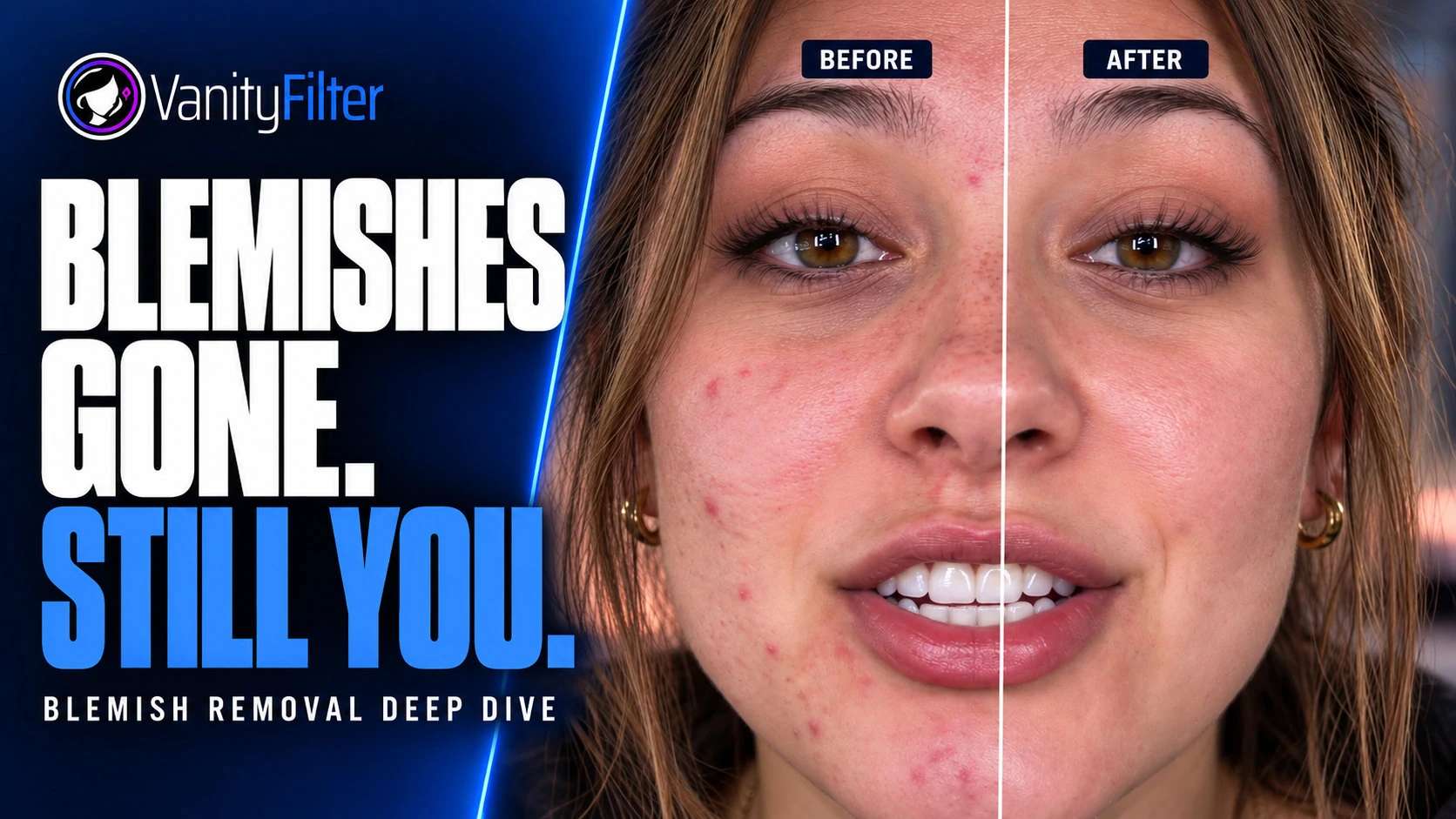
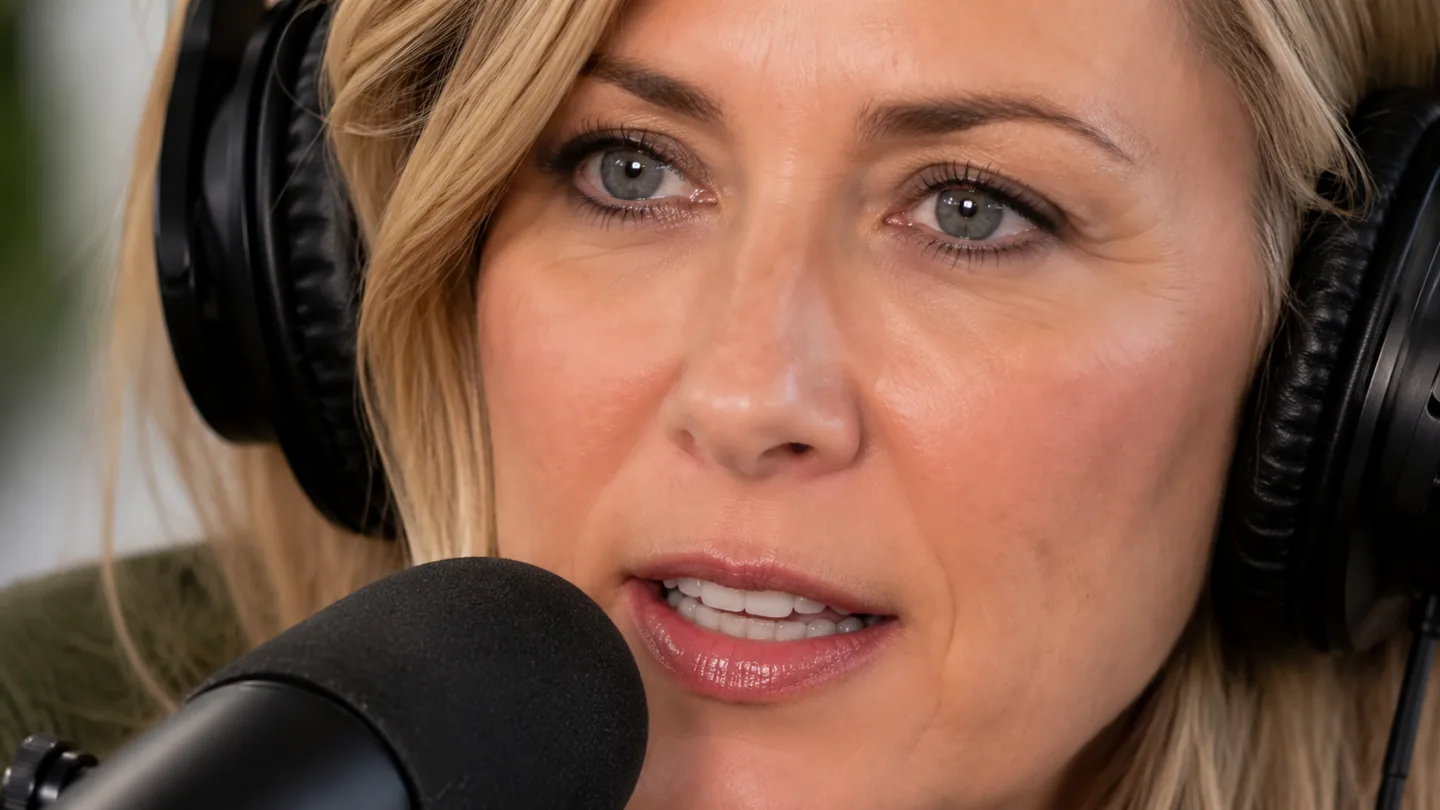
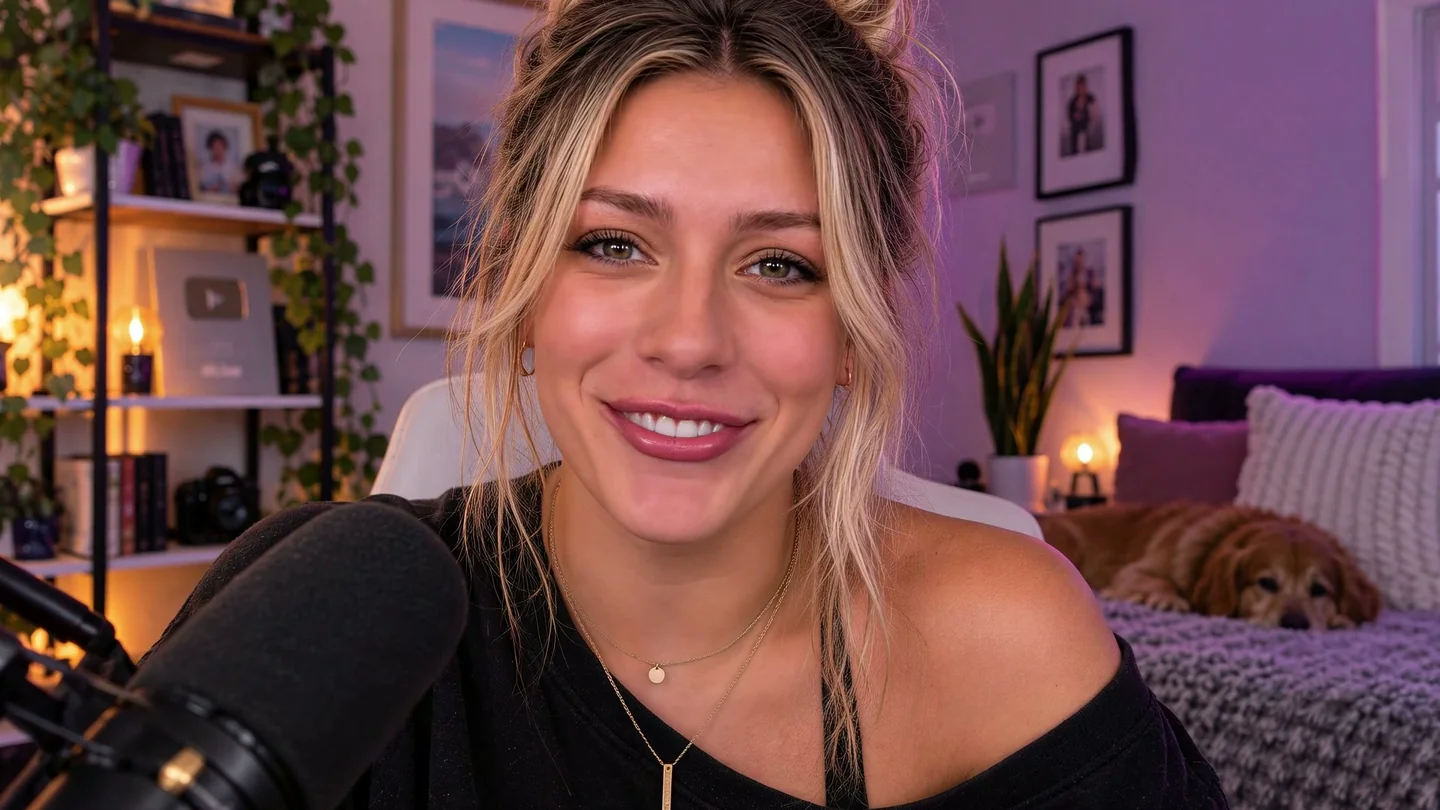
VanityFilter smooths skin in video with a mask that actually knows where skin ends. Faces, foreheads, necks — even heads turned in profile — while eyes, lips, hair, hats, and clothing stay exactly as shot. On your PC. No cloud, no subscription.
Opening special 50% off the regular $49 license, for a limited time.
A frame from our own shoot, straight through VanityFilter — two faces detected, both smoothed in one pass. The beanie, caps, sunglasses, hair, and shirt graphics? Untouched, exactly as the mask promised.

Strength 0.80 · Texture repair 0.55 · Radius 13 px · Detail restore 0.40
52% of high-frequency skin texture removed inside the mask — measured on this exact frame. Two people, one pass, zero manual roto.

Preset · Standard — Strength 0.60 · Radius 9 px · Detail restore 0.50
15% texture reduction — the everyday default.
Person segmentation separates skin from everything touching it, per person, per frame. All of this stays exactly as you shot it:
Detects up to five people at once. A dedicated fallback detector catches turned and profile heads that face trackers normally lose.
Per-person segmentation keeps smoothing off hair, caps, glasses, and collars — no halos on wardrobe, no smeared logos.
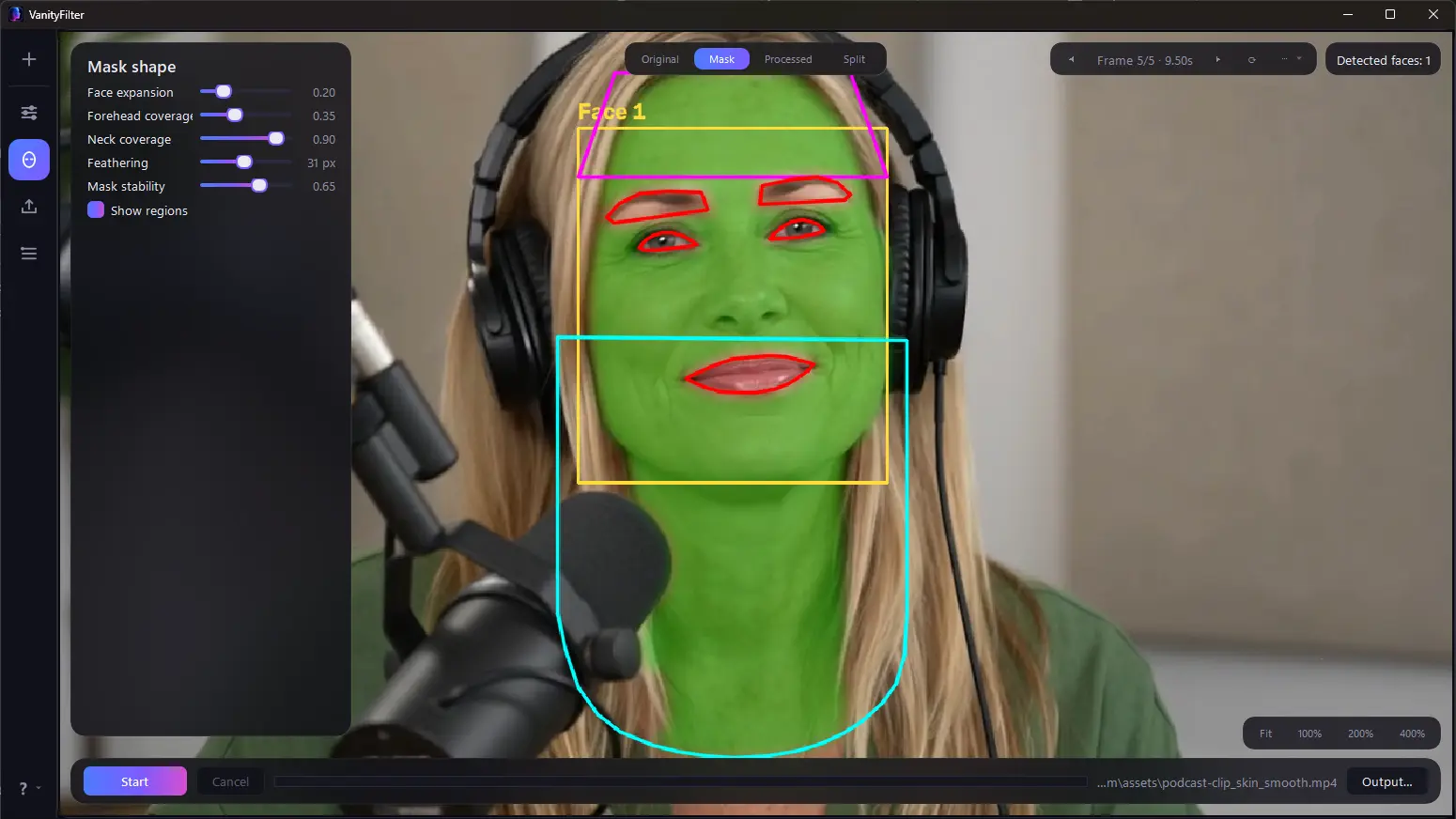
Coverage follows the jawline down and the hairline up, so faces never float on untouched necks. Both are sliders, not guesses.
Clears blotches, pores, and compression noise. Detail restore adds fine texture back so skin stays skin — never wax.
The Brighten control lifts skin lightness with a gamma curve — brighter midtones, no blown highlights, no orange cast. Independent of smoothing, so you can warm up a face without softening a single pore.
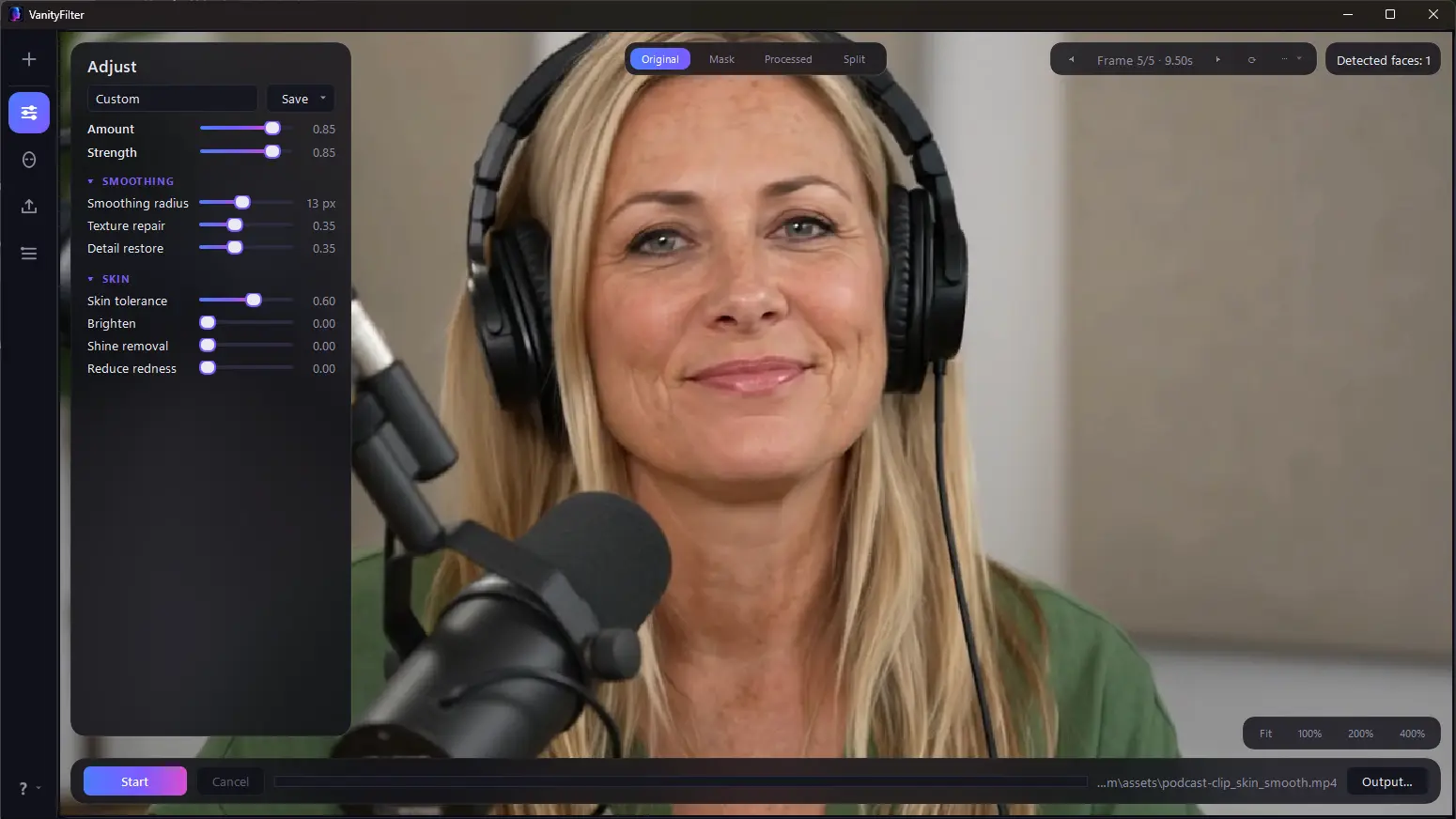
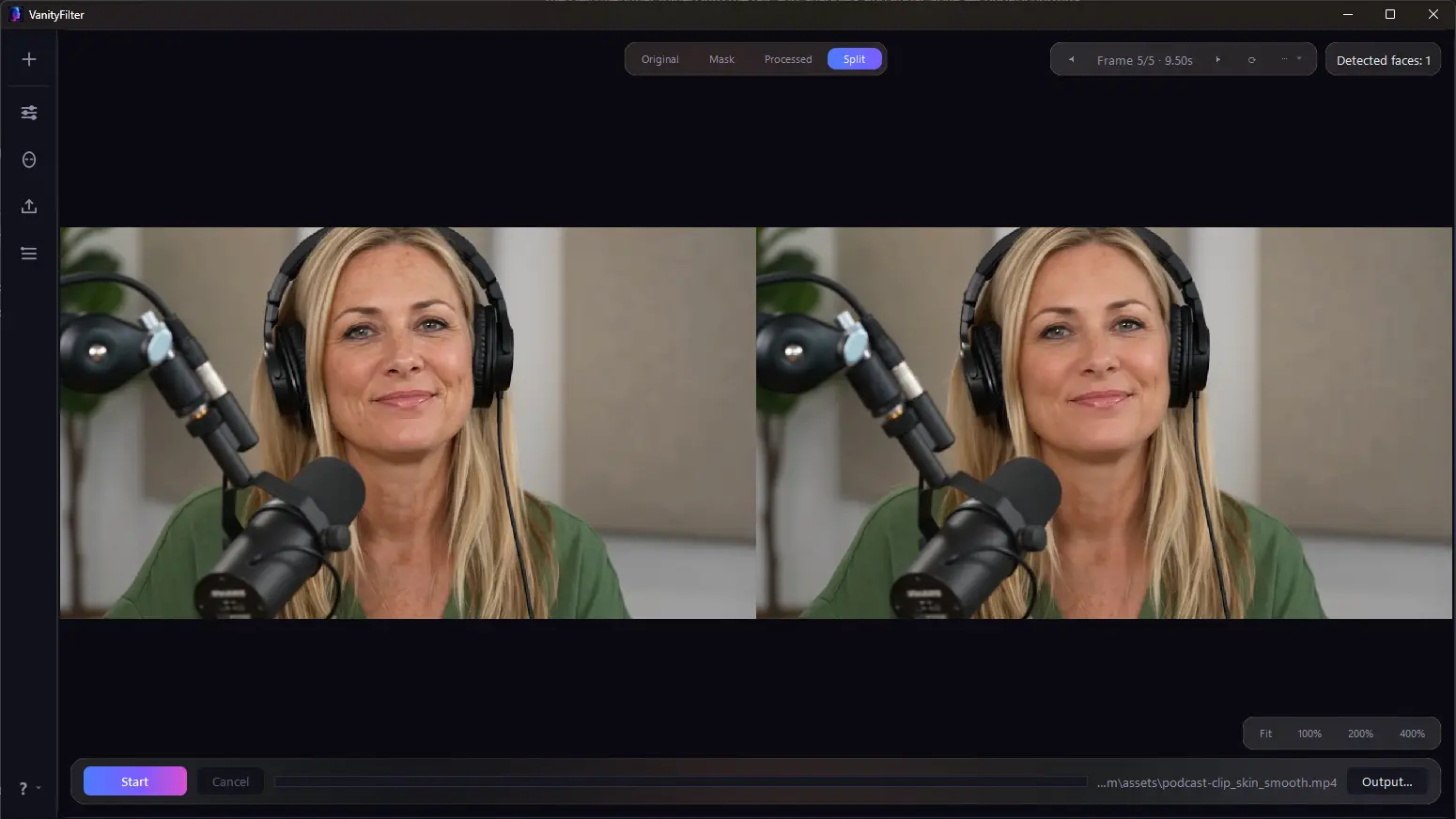
Zoom, pan, mask overlays, and per-region outlines on any preview frame. See exactly what will change before you export.
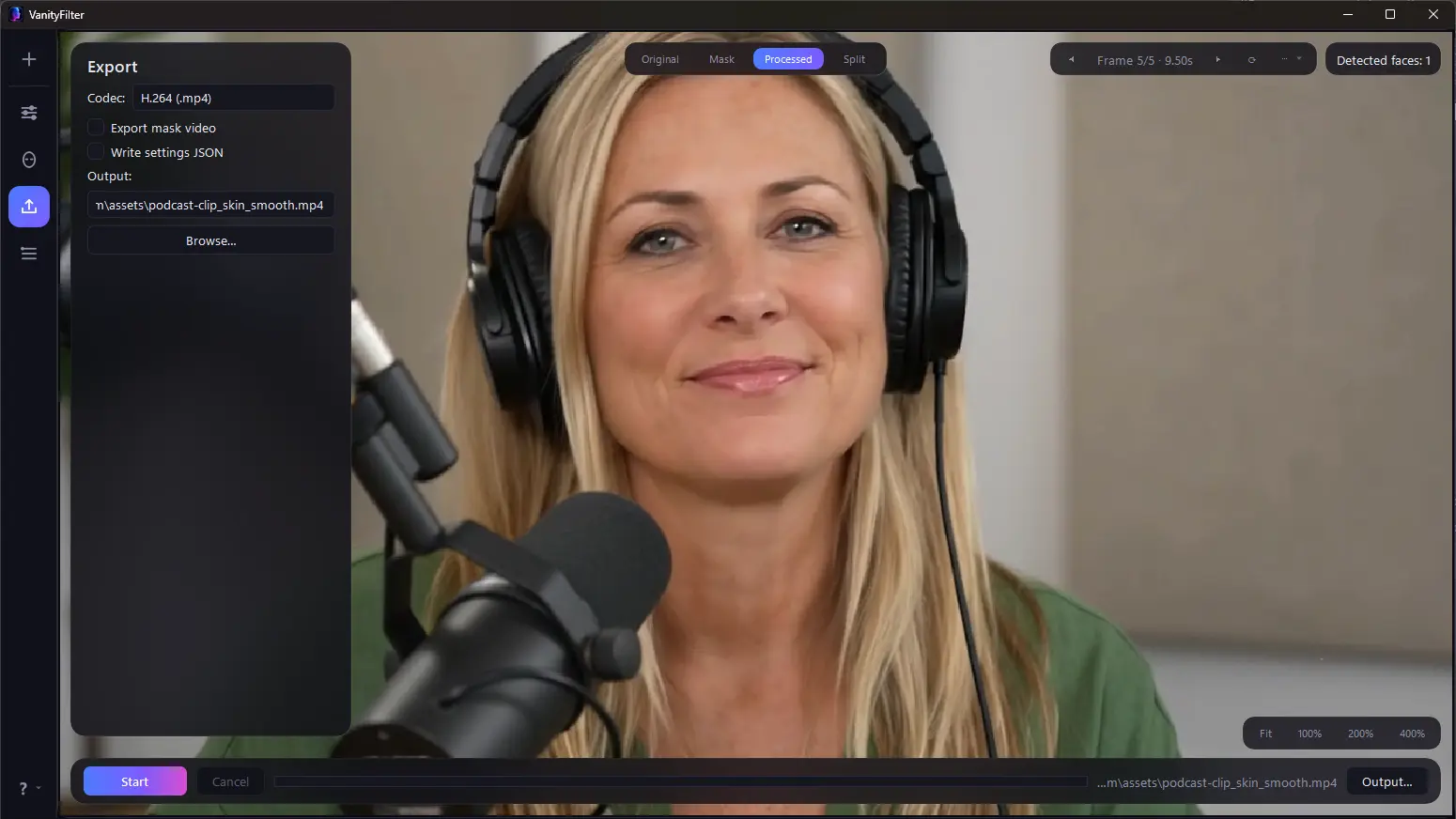
GPU H.264 or ProRes 422 HQ with original audio. Optional grayscale mask matte and a settings sidecar for your NLE.
Dial in a look once, then save it to User 1 or User 2. Your presets stick around after restarts and load straight from the command line — so a whole channel gets the same treatment with one flag.
Modern cameras are honest to a fault — 4K sensors and ring lights surface every pore, blotch, and rough night. Stills photographers solved this decades ago with frequency separation; video kept solving it with expensive plugins and hours of manual roto. VanityFilter automates the same retouching discipline on every frame: every face found, masked, and naturally smoothed in one pass. You still look like you. Your audience just meets you on a good day, every day.
Drop the finished export in, pick a preset, upload the result. The fastest path — no plugins, no timeline surgery, original audio untouched. Most videos need nothing more.
Smooth footage before it hits the timeline. Export ProRes 422 HQ for grading, or add the grayscale mask matte and keep full creative control inside Premiere Pro or Resolve.
The included command-line tool batches whole folders with the exact settings from your preview. Point it at a season of episodes before bed; wake up to a retouched catalog.
And the learning curve is a slider: five presets cover most footage, the preview re-renders live as you drag, and the ten fine-tuning controls are there when you care — not homework before you start.
Drop in one clip or a whole batch. MP4, MOV, AVI, and MKV.
Frames are sampled across the timeline, with a live face count on each.
Five presets and eleven sliders, re-rendered live — then save your own.
The preview pipeline is the export pipeline — what you saw is what you get.
VanityFilter isn’t a blur filter with good marketing. It runs a computer-vision pipeline on every frame — the kind of stack that used to need a cloud service — entirely on your machine.
A 478-point face mesh maps each person’s features, up to five per frame. A second, independent detector catches turned and profile heads that mesh trackers lose — so smoothing doesn’t pop in and out when someone looks at their co-host mid-sentence.
A person-segmentation network classifies every pixel — skin, hair, clothing, background — so each mask follows the real jawline, hairline, and neckline instead of guessing with boxes. Eyes, brows, and lips are carved out as protected zones, and masks are stabilized across frames so they never flicker.
The smoothing engine pairs edge-preserving filtering with frequency separation — the technique behind magazine retouching — to clear blotches and compression noise at one frequency while Detail Restore re-adds genuine pore-level texture at another. Brightening runs in LAB color, lifting only the lightness channel with a gamma curve — so skin gains a glow while its hue stays exactly as shot. That’s why skin stays skin instead of turning to wax.
The preview and the export run the identical pipeline — same masks, same math — so there are no surprises after a long render. H.264 encodes on your NVIDIA GPU when you have one; ProRes 422 HQ and untouched original audio come standard.
VanityFilter is a fully self-contained desktop app: every AI model, codec, and dependency ships inside the installer. No Python, no plugin frameworks, no codec packs, no account — it installs on a clean Windows 10 or 11 machine and just runs, completely offline. An NVIDIA GPU roughly doubles H.264 export speed, but AMD and Intel systems are fully supported on the CPU path. If your camera writes MP4, MOV, AVI, or MKV, it’s welcome here — phones, mirrorless, action cams, and screen recorders included.
$49 $24.50
One-time payment. Yours for good.
Online checkout is coming soon. Until then it’s one quick message — we’ll send your license key and invoice the same day.
No. Processing runs entirely on your machine, and the license check is offline too. Your video never leaves your computer.
No — VanityFilter runs on any modern 64-bit PC. If you have an NVIDIA GPU, H.264 exports encode on it automatically for roughly double the speed.
Up to five faces per frame, each with its own independent mask — including heads turned to profile, which most face tools lose.
Yes. Enable mask export and you get a grayscale matte video ready to use as a track matte, plus a JSON sidecar recording the exact settings of the render.
If it’s a 64-bit Windows 10 or 11 machine, yes. Everything ships in the installer — no Python, plugins, or codec packs — and an NVIDIA GPU is a speed boost, not a requirement.
No. Pick one of five presets and drag the Strength slider — the preview updates live. The eleven fine-tuning sliders are there when you want them, not homework before you start.
Yes. Once you dial in a look you like, save it to User 1 or User 2. Your presets survive restarts and load from the command line too, so you can apply the same treatment across a whole batch of clips.
Variable-frame-rate phone footage exports as constant frame rate. Very small or heavily covered faces (hands over the face) are skipped for those frames, and the mask fades out smoothly rather than flickering.