
Guides and comparisons for smoothing skin in video, from planning your edit to finishing the footage.

The new browser editor changes the answer for photos. Video retouching is still a mobile job, so here are the honest Windows options.

Why the live appearance filters bake in, and how to treat a call recording you already have without melting anyone.
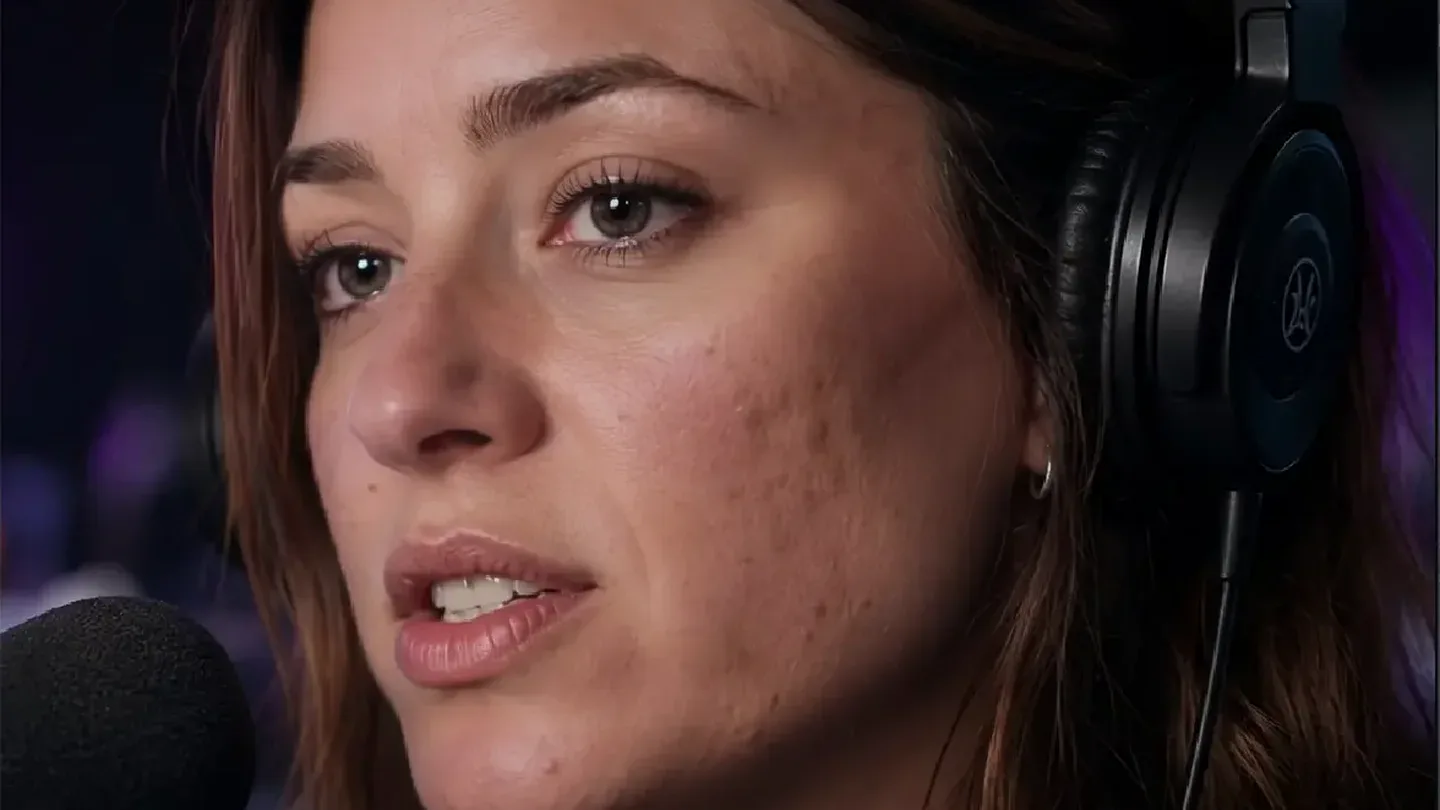
Fix the light, separate shine from texture, and keep the 4K frame without turning real skin into plastic.
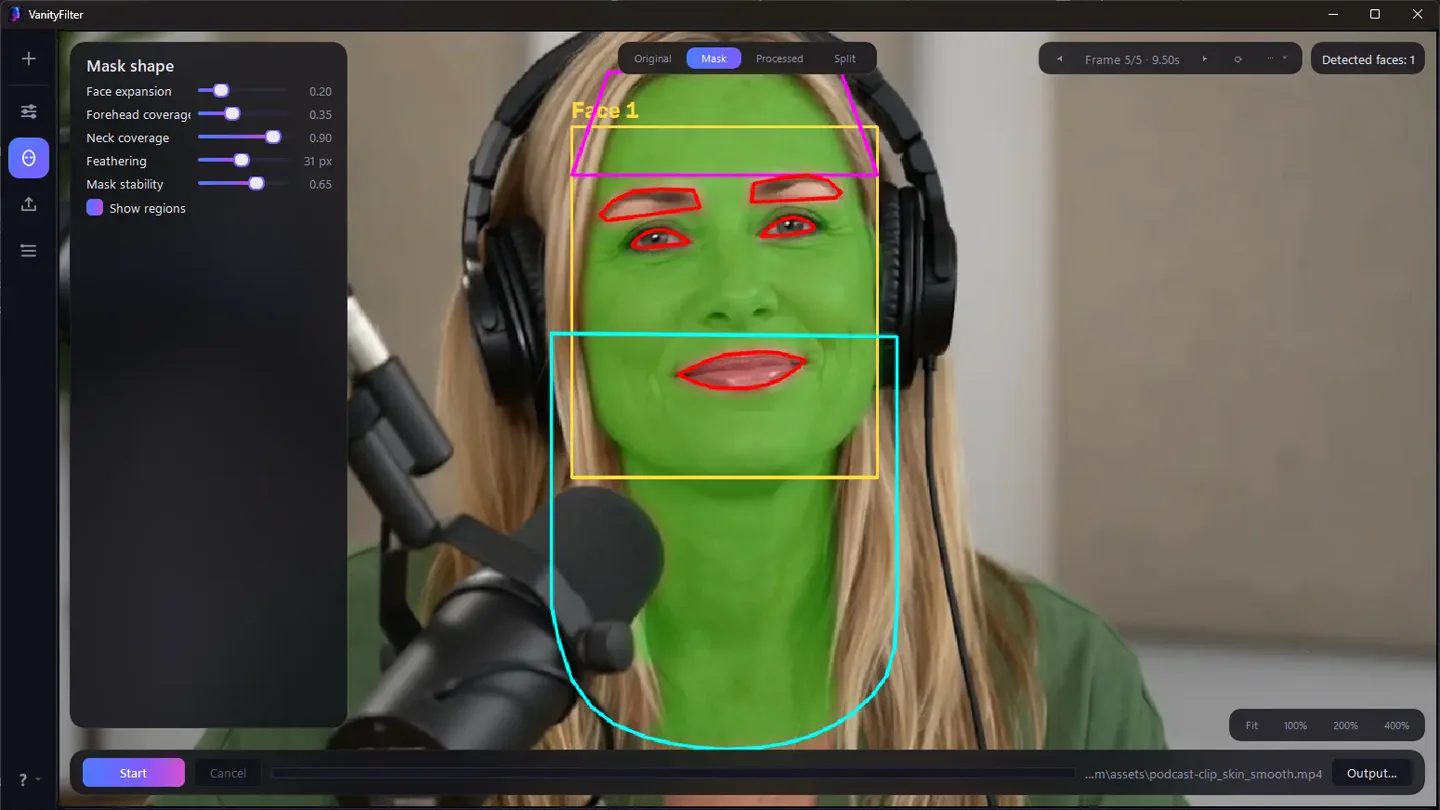
Export the moving skin selection once, then use it to confine your own color, texture, or highlight work inside the editor.

OBS ships no beauty filter. What the virtual camera apps and plugins really cost you, and when the smart move is a clean recording plus a pass afterward.

How to separate unfinished processing from an overdone retouch, then test a clean export before the full video goes public.

Why a global grade cannot fix a blotchy face, where keyed secondaries run out, and what a per-person chroma correction does instead.

A practical two-host workflow for separate tracks, long episodes, and beauty filters that do not get baked into the master.

What the retoucher favorite actually does, why the video version needs freeze frames and tracking, and when a masked pass wins.
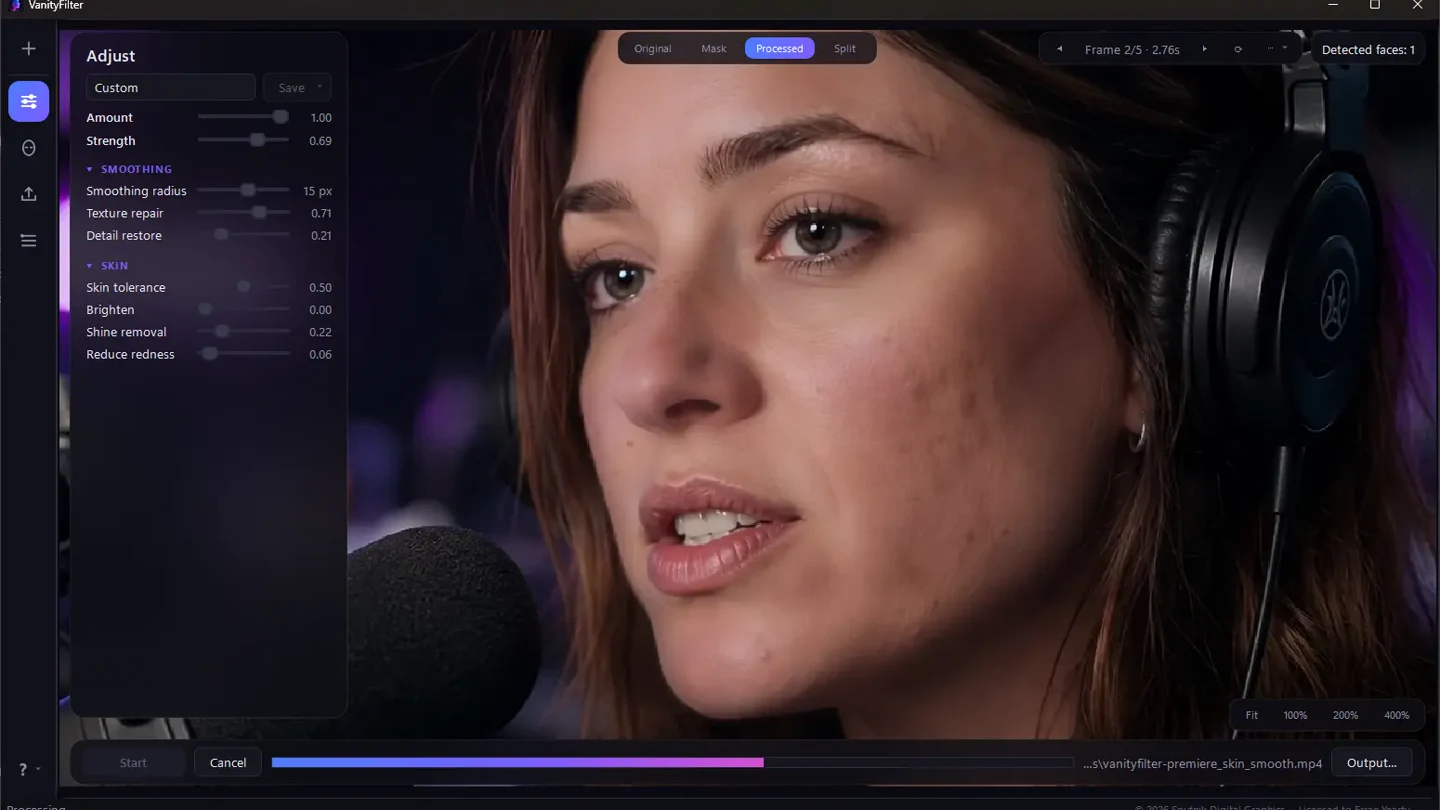
Four different workflows compared by control, privacy, and the amount of editing overhead they add.
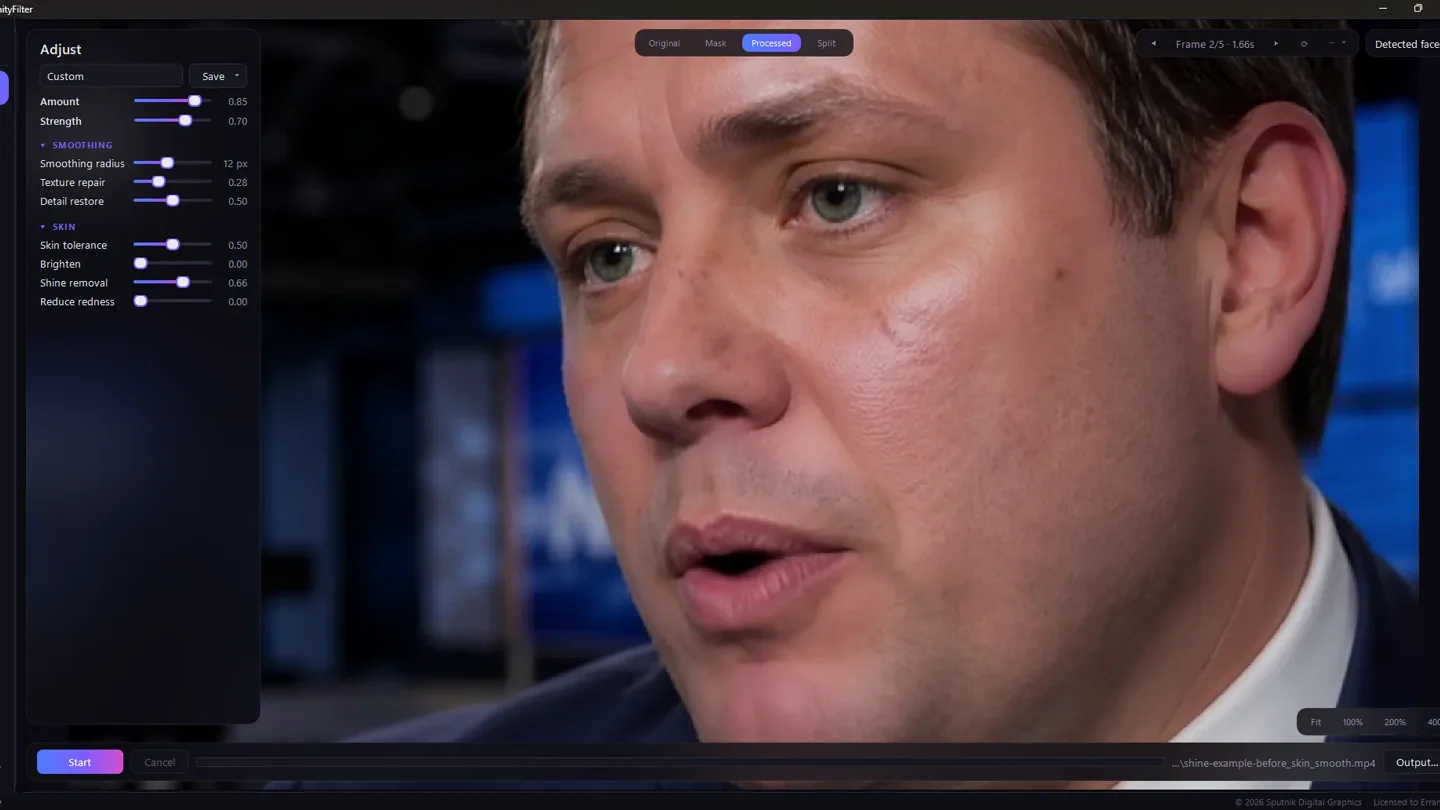
An honest look at timeline plugins versus a private, standalone Windows workflow for skin retouching.
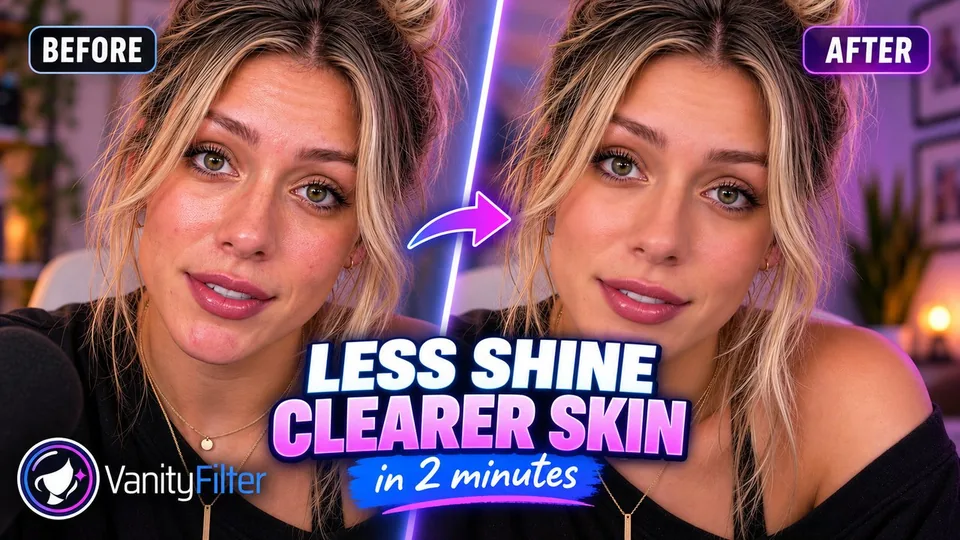
Watch a shiny nose and small blemishes get fixed in a real creator clip, with every setting on screen.

The current Retouch paths on phone and computer, natural starting settings, and the U.S. availability catch.
Three ways to smooth skin in Premiere: the built-in blur-and-mask method, plugins like Beauty Box, and a faster pre-edit workflow.
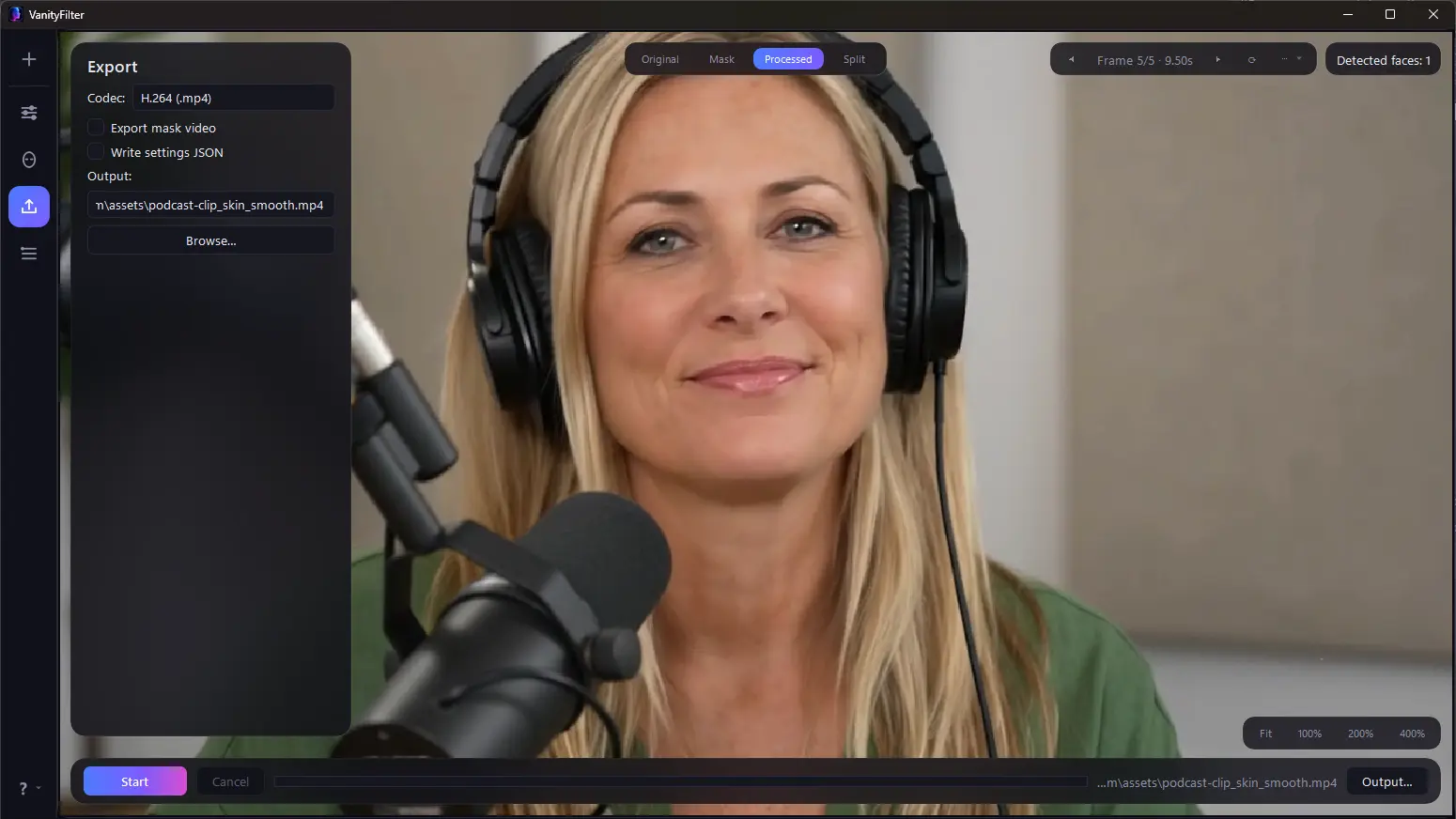
A full tour of the redesigned 2.0 interface, and where every setting from the old layout now lives.
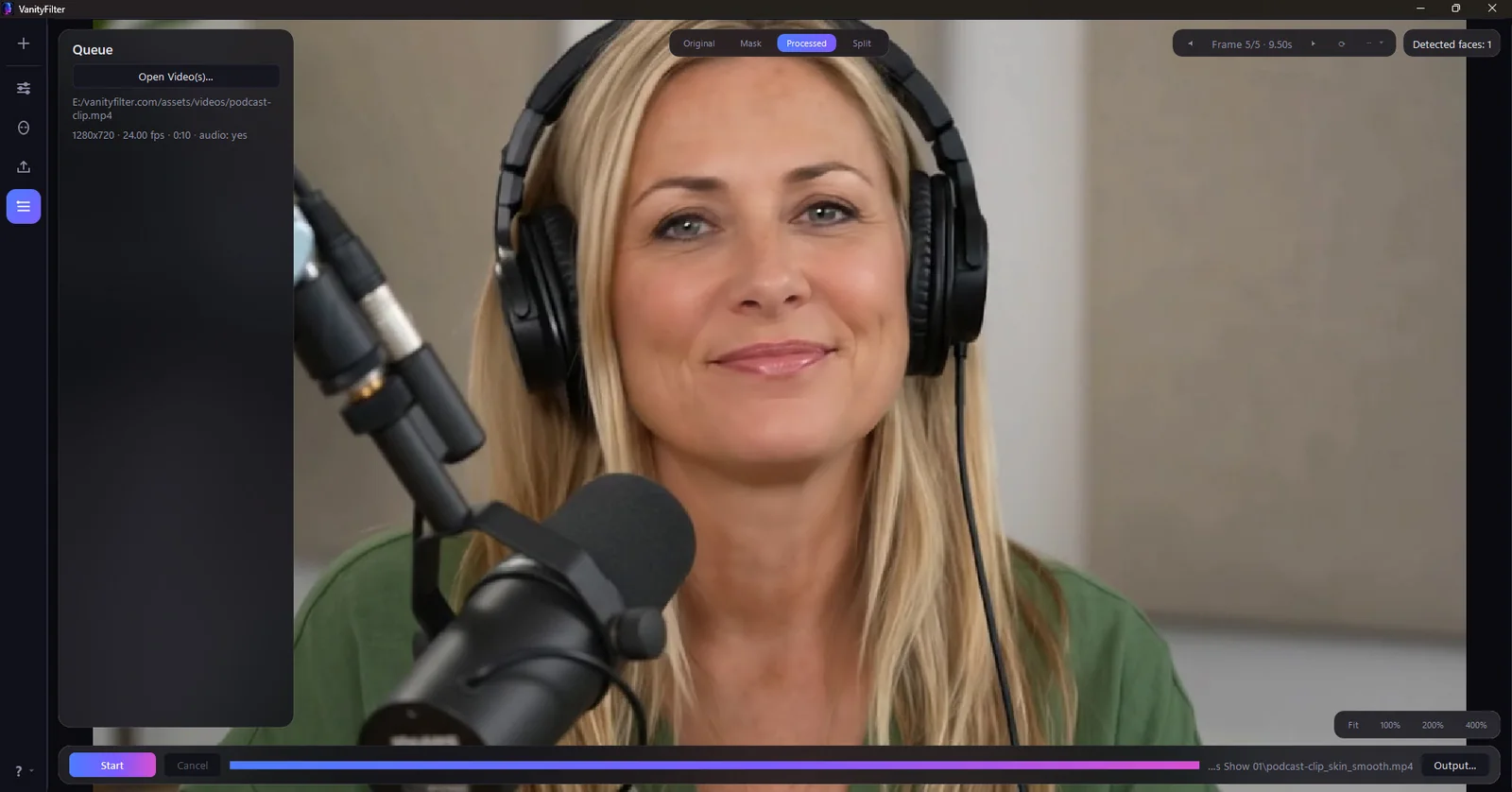
One saved preset, a separate output folder, a per-clip review, and the CLI syntax for running a whole shoot before it reaches the timeline.

An honest side-by-side of Resolve’s Face Refinement and VanityFilter for smoothing skin in video.

Four ways to smooth skin in video, and how to keep the result natural instead of plastic.