
Guides and comparisons for smoothing skin in video, from planning your edit to finishing the footage.
Start with the Windows skin-smoothing comparison to choose where the work belongs. Then follow a guide for your editor, a specific skin concern, or a mask handoff to Premiere Pro or DaVinci Resolve. To browse by topic, open the guide index.

VanityFilter costs $29.95 once for one user on two computers. Compare Adobe subscriptions, manual video retouching and free editors you can pair with it.
VanityFilter, Portraiture Video, Beauty Box and Resolve Face Refinement compared on two-person shots, profile angles and what each one costs.
Canva documents Face Retouch for photos, and its video settings have no skin control. Smooth the clip first, then bring the corrected file into Canva.
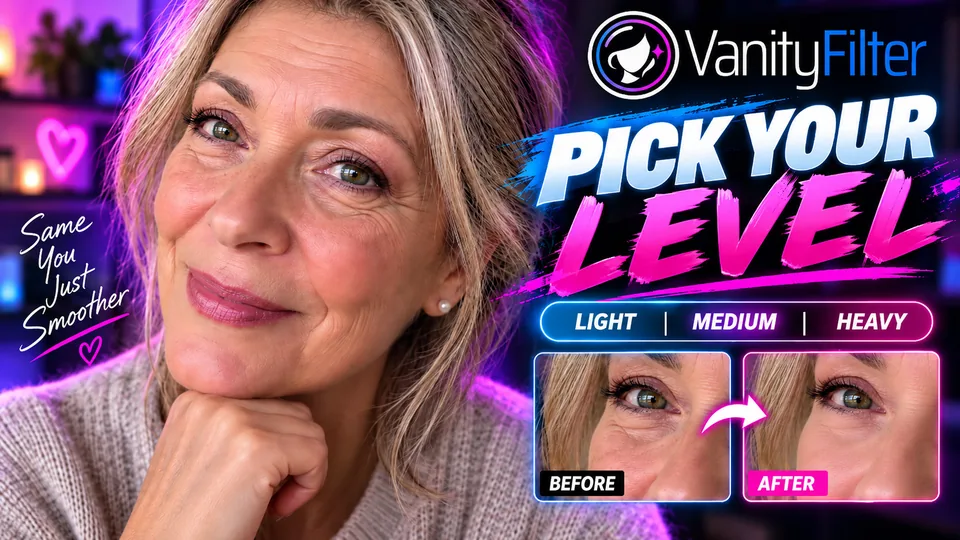
One creator clip exported three times at Light, Medium and Heavy, with the Strength, Smoothing Radius and Detail Restore values for each level and the mask that keeps eyes, lips and brows untouched.

Two hosts, two complexions, one frame. Each face gets its own mask, so one color range does not have to fit everyone.
Riverside’s Touch up only works in the studio before you record. How to fix skin on a Riverside recording you already have, one participant track at a time.
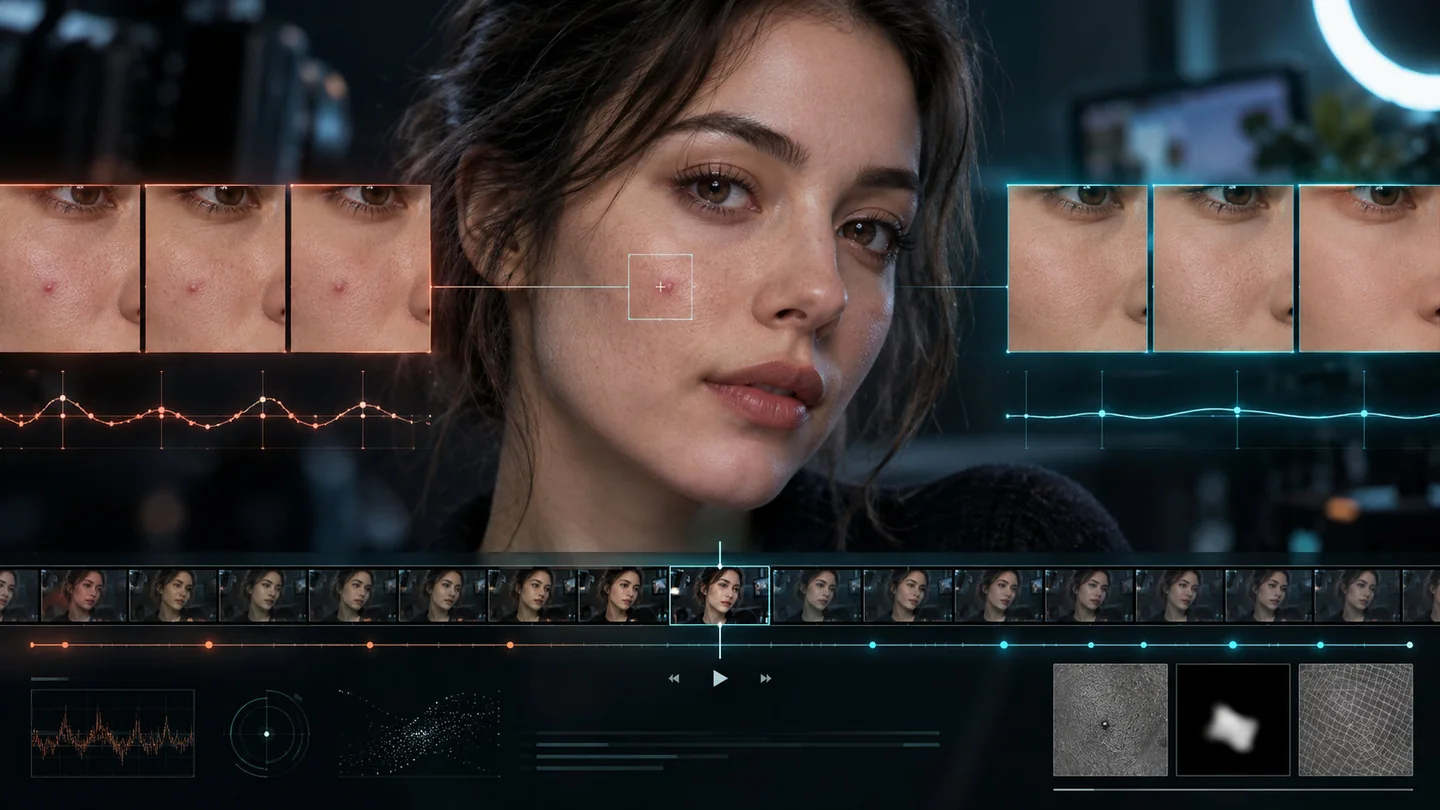
A retouch can pass every still-frame check and still flicker in playback. Why mask and treatment stability are different problems, and how to check your footage.

A selfie editor solves one photo. This guide shows what to inspect when skin retouching has to hold up across a recorded video.
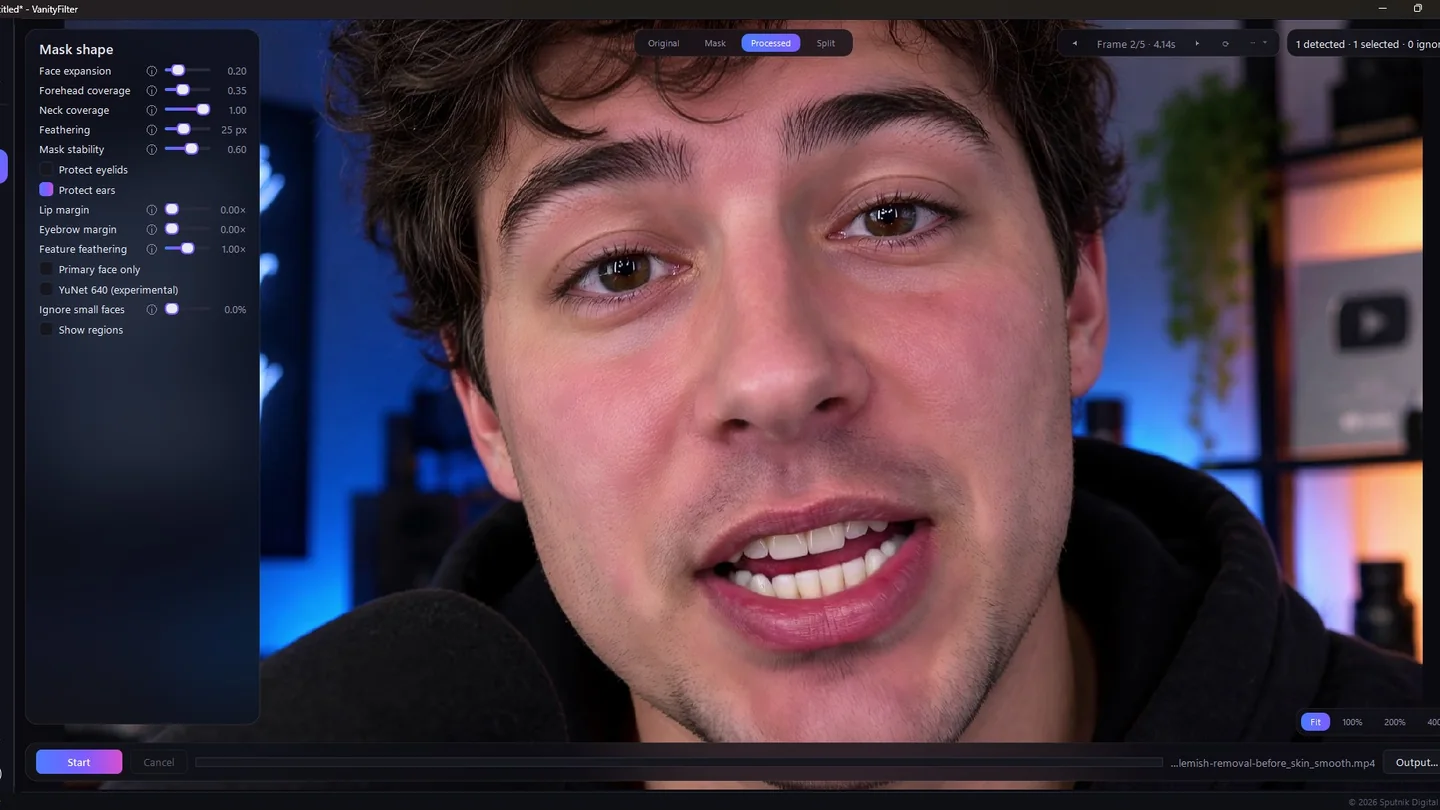
Maxon lists Cosmo as part of the Red Giant subscription and it picks skin from a color sample you supervise. Here is what that costs and where a standalone Windows pass fits.
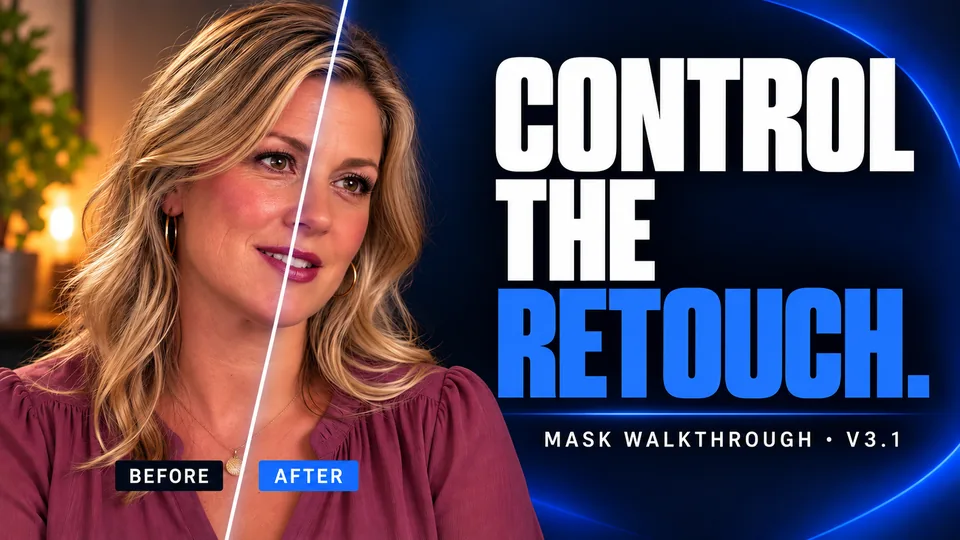
Watch Ignore small faces keep framed portraits out of an interview retouch, plus everything else new in 3.1.
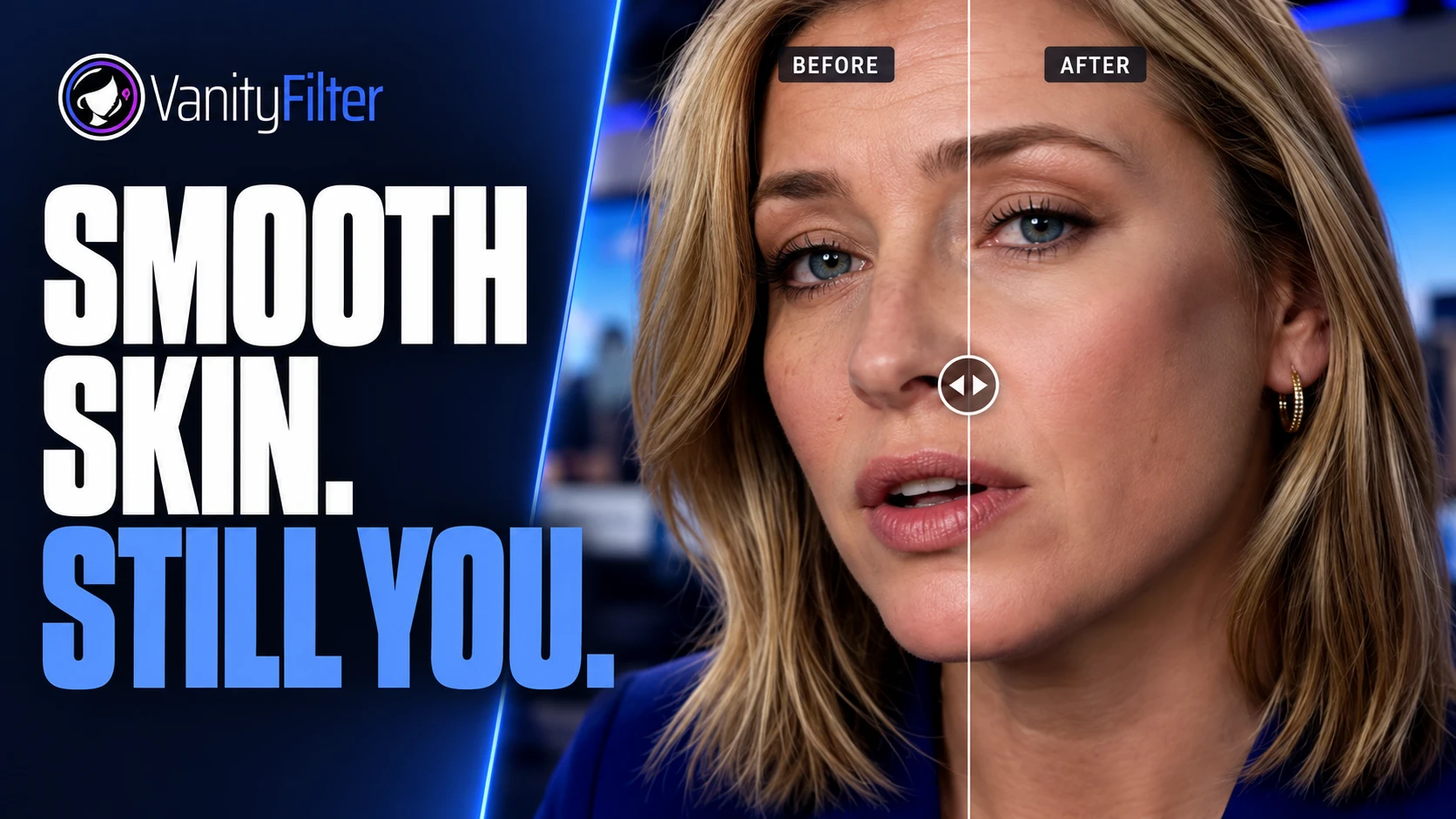
Add a face filter to an existing video, choose the right kind of effect, and keep skin natural while the person moves.

Camtasia has no skin, beauty, or face effect, and Blur Region is a privacy tool you hand-animate. Here is the camera-file workflow that actually fixes skin.
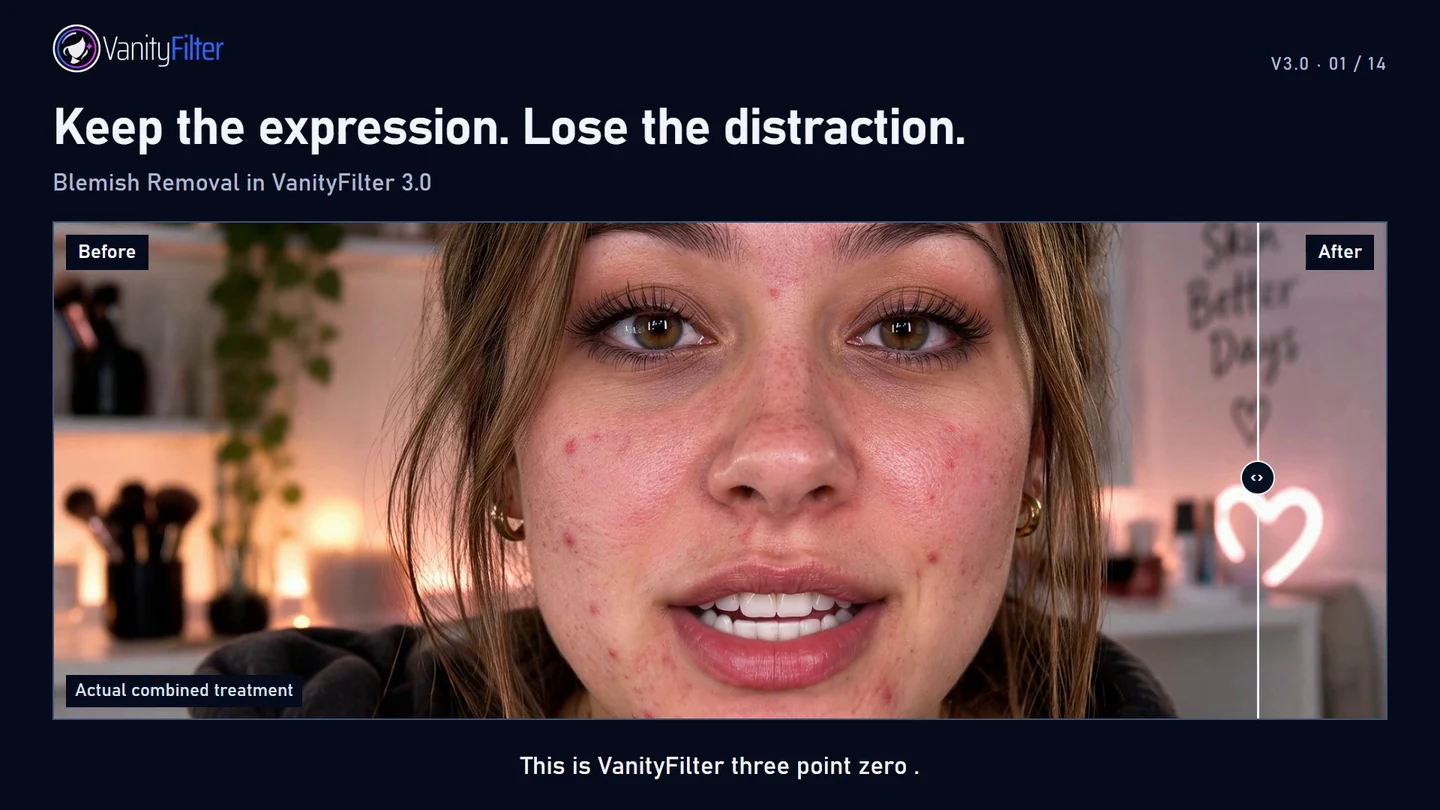
What changed in 3.0, how the repair works, and three real creator recipes with every setting, plus the full deep dive video.
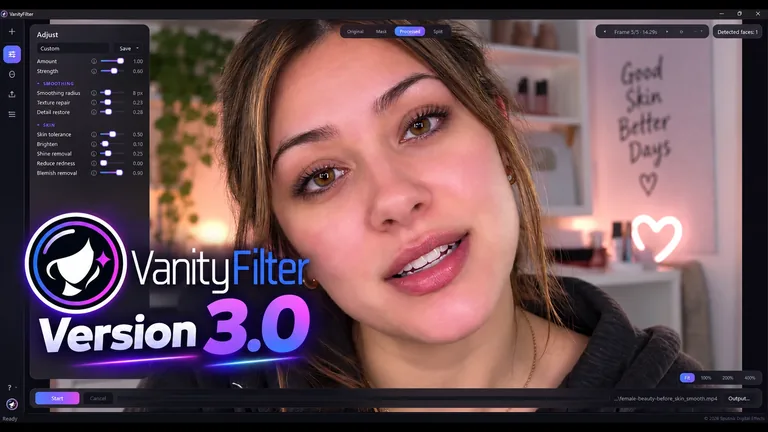
Blemish removal leaves the experimental phase, Reduce redness reaches broader flush, and a new Protect eyelids option is on by default.

VanityFilter 2.8.0 is available now, with improved ear protection on turned faces, remembered export preferences, and stronger conflict checks.

VanityCam is a live webcam skin-smoothing app for Windows 11. See the effect before your call, use free marked output, or buy a license.
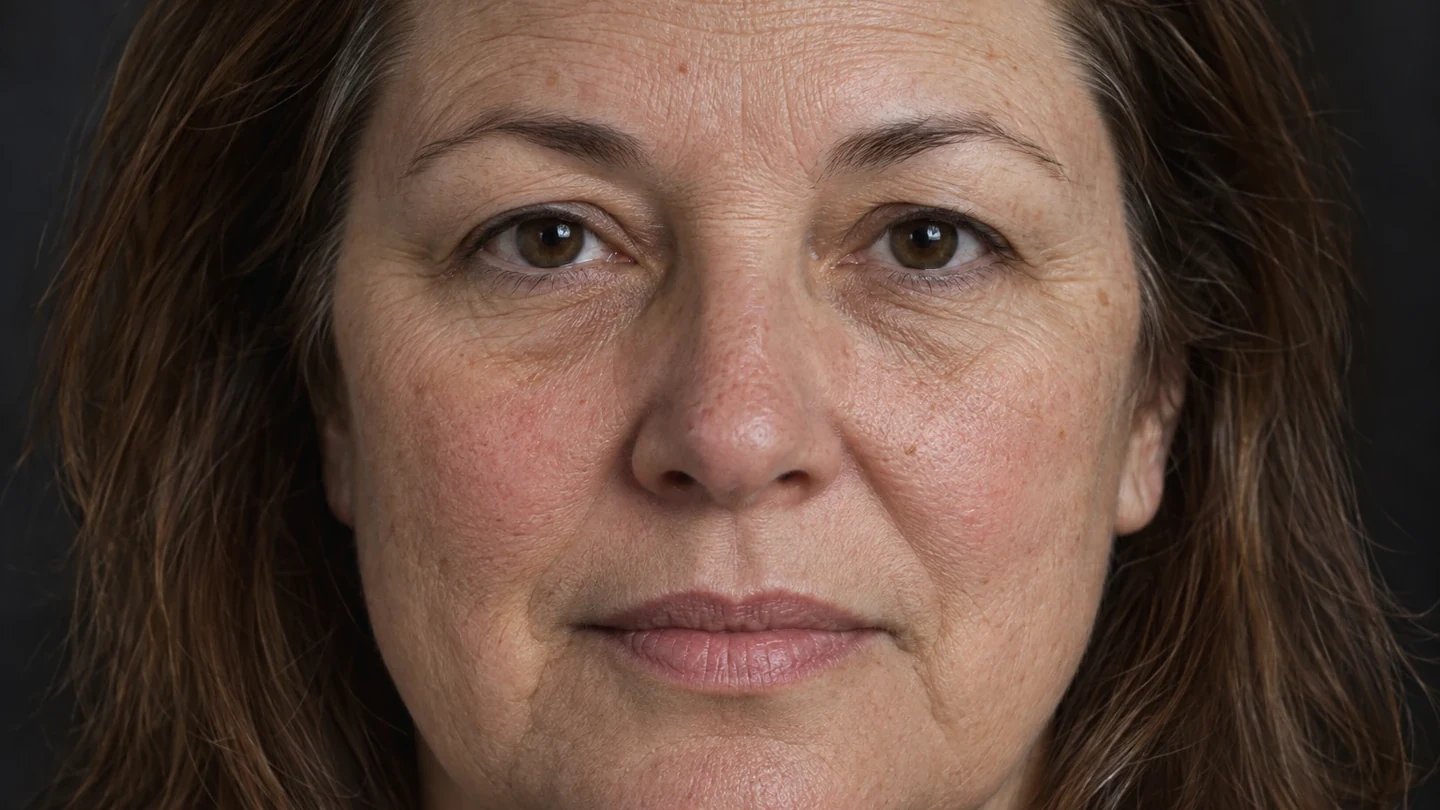
Filmora already has built-in Retouch. Use it for a few clips, or preprocess source files when the job is batch-sized, offline, or mask-critical.

Clipchamp has no skin control, and its blur hits the whole clip. Here are the two offline routes that actually fix skin texture.
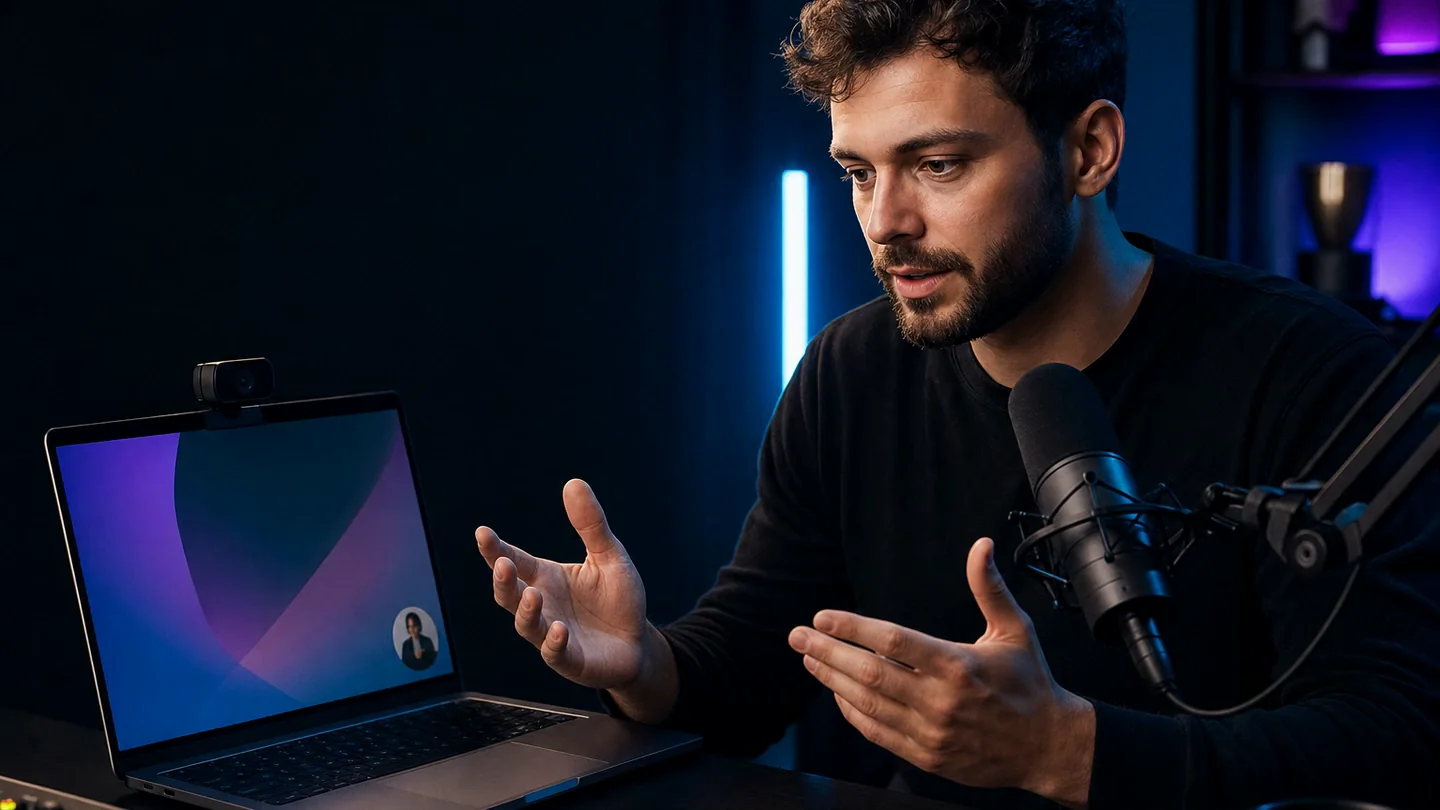
Loom’s appearance controls are pre-recording only. Here is the clean order for editing, downloading, and running a restrained local skin pass.

Product answers and a faster path to human support, in English and Spanish.
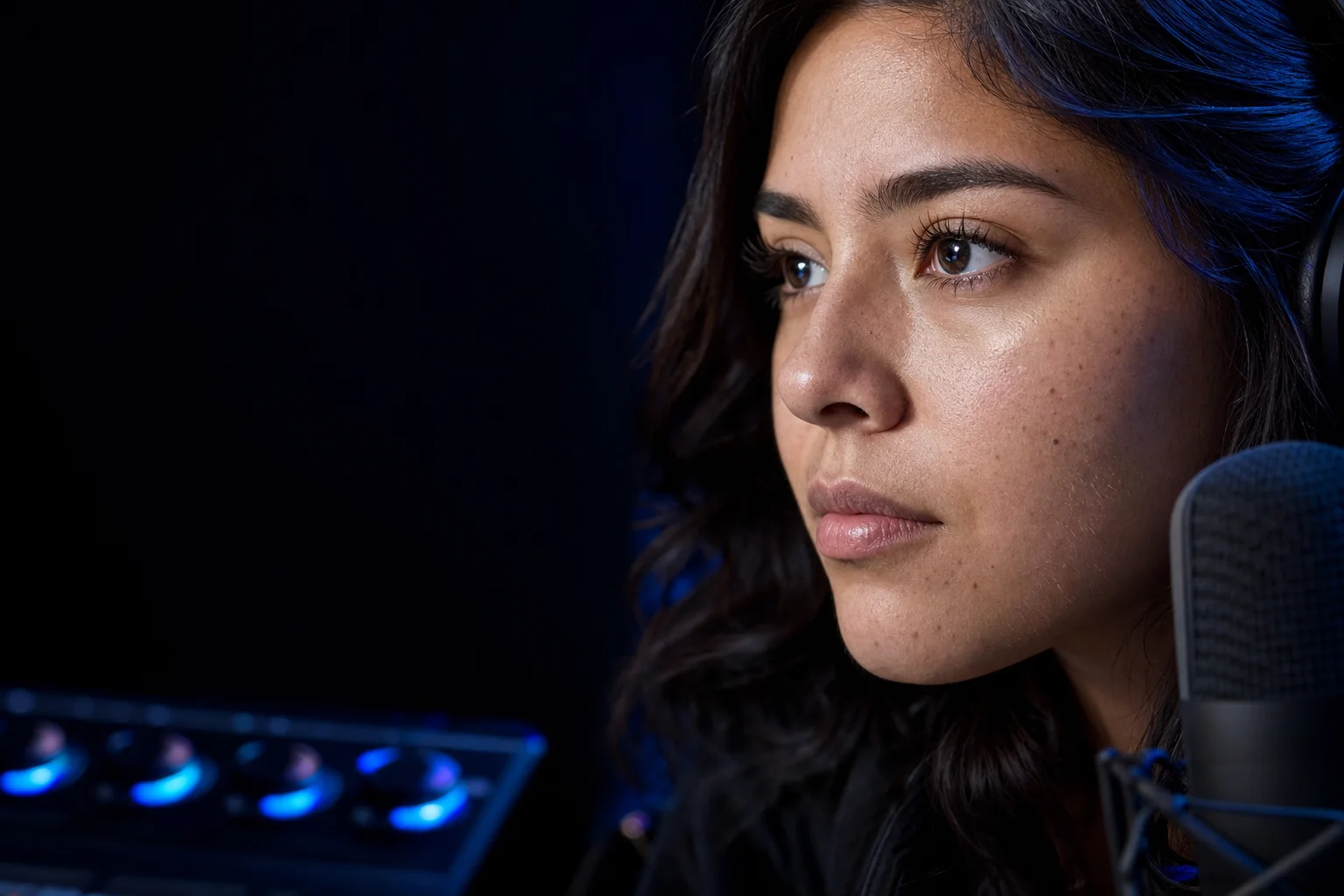
Range exports, face targeting, portable presets, blemish healing, and the complete Spanish release.