
Retouching skin is easy on one face that never moves. Real footage has two people in frame, a guest who turns toward the host and light that changes from shot to shot, and that is where retouching tools start to differ. This guide compares a standalone app, two editor plugins and the tool built into DaVinci Resolve Studio on the footage most of us actually cut, with two or more people in frame and heads that turn, and on what each one costs.
For interviews, podcasts and event footage with more than one person, a standalone app that masks each face on its own saves you masking faces by hand. Plugins make sense if the effect has to live in your timeline. Resolve’s Face Refinement is fine for one person facing the camera. Check each price on the vendor’s own page before you buy.
What separates good video retouching from bad
A skin mask that stops where skin stops
A generic blur works on brightness and edges. It has no idea where a cheek ends and an eyelid begins, so it softens eyes, brows, hairlines and collars along with the skin. That is where the plastic look comes from. The first thing to judge in any retouching tool is whether it can isolate skin and leave everything around it alone, because in motion the mistakes are easier to see than on a still.
More than one face, and faces that turn
Interview shooters, podcast producers and event videographers rarely cut a single person centered on camera. Two-shots, panels and candid coverage are the normal case, and a guest who turns 45 degrees to answer the host is a harder face to follow than one looking into the lens. Before you look at anything else, find out how a tool handles a second face and a turned head.
Standalone app or editor plugin
A standalone app processes the clip on its own and writes a corrected file you import into any editor. A plugin runs inside a host such as Premiere Pro, After Effects or Resolve, so you adjust it on the timeline, but you buy it per host and it has to keep up with each host update. Neither is better for everyone. Plugins suit editors who tweak retouching while they cut. A standalone step suits editors who retouch once, early, and want the same file to work in any editor.
The four options at a glance
| Tool | Type | How it finds faces or skin | Price checked October 10, 2026 |
|---|---|---|---|
| VanityFilter | Standalone Windows app | Detects up to five faces per frame, profiles included, with a mask per person | $29.95 one-time (regular $49) |
| Imagenomic Portraiture Video | Plugin: Premiere Pro and After Effects, Resolve, or Final Cut Pro (Mac) | AI face tracking across frames (face count not stated) | $249.95 one-time per host version |
| Digital Anarchy Beauty Box Video | Plugin: Premiere Pro, After Effects, Resolve (OpenFX), Final Cut Pro (Mac), Avid | Automatic skin-tone detection and masking | $199 single license for one host, or a subscription bundle |
| DaVinci Resolve Studio Face Refinement | Built into Resolve Studio | Tracks one face per node | $295 one-time for Resolve Studio |
VanityFilter: a standalone app for Windows video
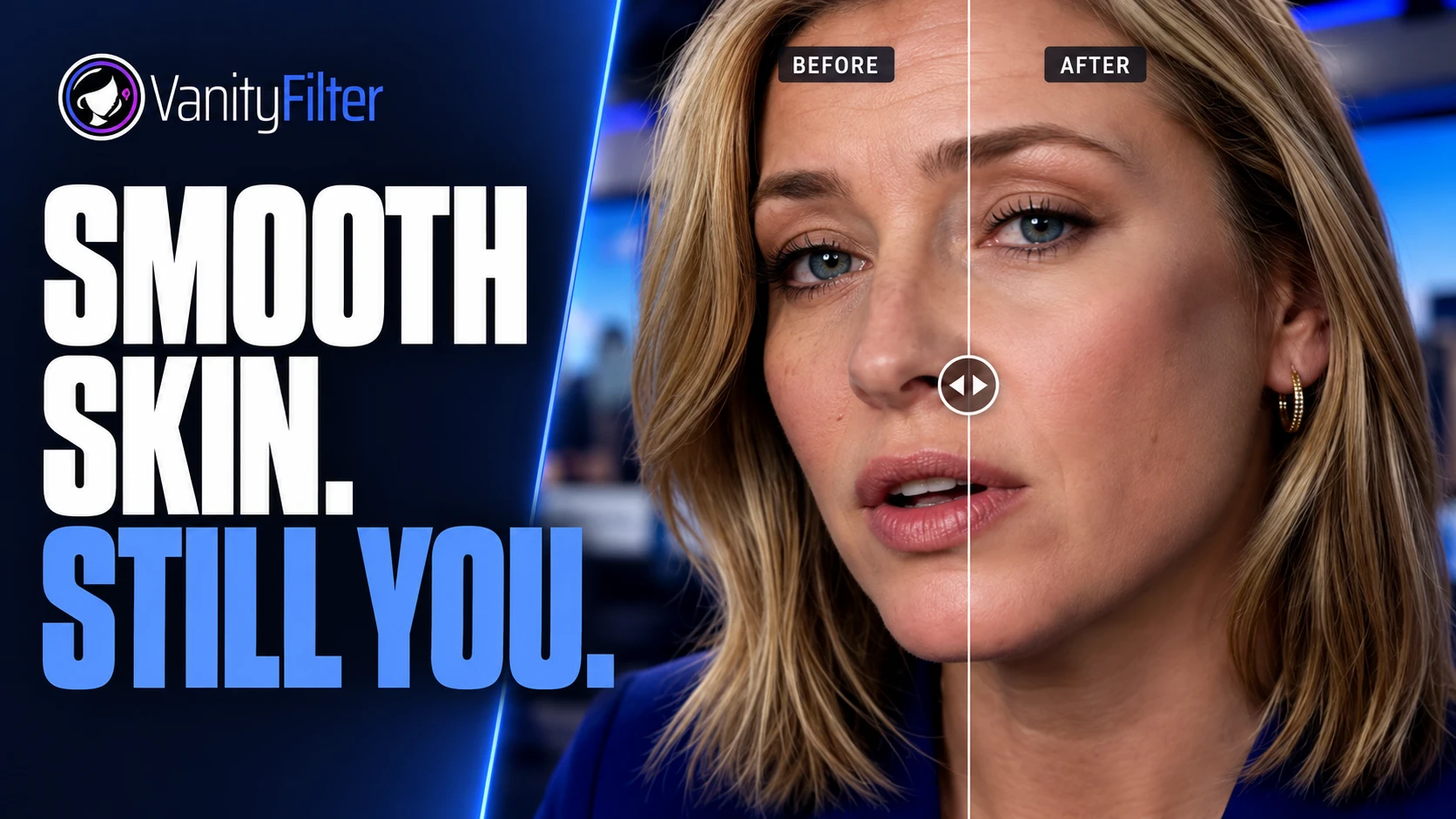
VanityFilter is our own tool, so weigh this section with that in mind. It is a Windows app built for retouching skin in video. It detects up to five faces per frame, including turned and profile heads, and builds a separate skin mask for each person from person segmentation. Smoothing stays inside those masks, with eyes, lips, brows, hair and clothing left as shot. A separate detector handles turned and profile heads, so a guest who turns to answer the host keeps being treated.
The controls cover the problems that show up on real footage: Strength, Smoothing radius, Texture repair and Detail restore for the smoothing itself, plus Shine removal, Reduce redness and Blemish removal for the spots and glare that studio lights and run-and-gun shoots produce. A master Amount dial blends the whole result back toward the original. One set of sliders applies to every selected face. If two people need very different strengths, process their tracks separately when you have them, or export the mask matte and blend a heavier or lighter version over one face in your editor.
It reads MP4, MOV, AVI and MKV and exports H.264 (GPU accelerated on NVIDIA) or ProRes 422 HQ, keeping the original audio. The result is a normal video file that drops into Premiere Pro, Resolve or any other editor. Processing runs on your PC, and there is a batch mode plus a command-line tool for a backlog of clips. The license is a one-time purchase, $29.95 on sale (regularly $49), for one user on up to two computers.
Plugin options for Premiere Pro, After Effects and Resolve
Imagenomic Portraiture Video
Portraiture Video is a skin retouching plugin with versions for Premiere Pro and After Effects, DaVinci Resolve and Final Cut Pro (Mac only). Imagenomic describes AI face tracking that finds and follows faces across frames, and the plugin keeps retouching inside your timeline. On Imagenomic’s pricing page, each host version is $249.95 as a one-time purchase, and one license covers two computers across Mac and Windows. Imagenomic also sells it inside bundles, including a Video Suite.
It fits editors who live in one host and want retouching as an effect they can tweak while they cut. If you work across several hosts, budget for a version per host.
Digital Anarchy Beauty Box Video
Beauty Box Video analyzes the footage, identifies skin tones automatically and builds a mask that limits smoothing and shine reduction to skin. It runs in Premiere Pro, After Effects, Final Cut Pro (Mac), Avid and OpenFX hosts such as Resolve. Digital Anarchy’s store lists a single license at $199 for one host app, with extra hosts sold as add-ons, and the plugin is also available through Digital Anarchy’s subscription bundles. There is a watermarked trial. Our Beauty Box alternative guide goes deeper on how the two workflows differ.
With several people of different complexions in one shot, check the mask on every face before you commit to a render.
Face Refinement in DaVinci Resolve Studio
What it does well
DaVinci Resolve Studio includes face and beauty tools among its Resolve FX, and Face Refinement on the Color page is the effect aimed at skin. It tracks a face and lets you smooth texture and adjust tone inside Resolve’s node graph, with no plugin to buy. Blackmagic lists Resolve Studio at $295 as a one-time purchase and lists the face and beauty tools among the extras that come with Studio, so the free version of Resolve does not include them.
One face per node
Face Refinement analyzes and tracks one face per node. A two-person interview means a second node with its own analysis and settings, and each new clip needs the same setup. With one person facing the camera, there is no extra work.
How to choose for your footage
Start with what you cut most. If it is talking heads, interviews or event coverage with more than one person, favor a tool that masks each face automatically and keeps up when people turn. If you need to adjust retouching while you edit, a plugin in your main host is worth paying for. If you already own Resolve Studio and film one person at a time, try Face Refinement before you buy anything. If you are weighing online and mobile-style editors too, our video skin smoothing software comparison adds CapCut and covers privacy.
Then run the numbers over two or three years, including a license for each host you use. Before you buy, ask:
- Does it find every face in a two-shot without manual masks?
- Does it keep treating a face that turns to profile?
- Do the eyes, hair and clothing stay untouched at full resolution?
- What will it cost over two to three years, host licenses included?
- Is it tied to one editor, and what happens when that editor updates?
Whatever you pick, test it on your own worst clip: the one with two people, mixed light and a head turn.
Frequently asked questions
What is the best skin retouching software for Windows video?
It depends on where you want the work to happen. For two or more people in frame and heads that turn, a standalone app that masks each face on its own, such as VanityFilter, saves you from masking each face by hand. If you want the effect inside your timeline, Portraiture Video and Beauty Box are established plugins. If you already grade in DaVinci Resolve Studio, Face Refinement is built in.
Can skin retouching software handle two people in the same shot?
Some tools do it automatically and some need extra work. VanityFilter detects up to five faces per frame and builds a separate skin mask for each one. In DaVinci Resolve, Face Refinement works on one face per node, so a second person means a second node.
Does VanityFilter keep retouching when someone turns to profile?
Yes. VanityFilter detects heads turned to the side and in full profile, not only faces looking into the lens, and the smoothing stays on skin with eyes, lips, brows and hair left alone. If a face gets very small or mostly covered, those frames are skipped and the mask fades out rather than cutting off.
Is there a skin retouching tool for Windows video without a subscription?
Yes. VanityFilter is a one-time license, Portraiture Video sells a one-time license per host, Beauty Box Video is sold as a single license as well as in subscription bundles, and DaVinci Resolve Studio is a one-time purchase. Check each vendor’s current page before you buy, because prices change.
Do I need a plugin to retouch skin in Premiere Pro or Resolve?
No. You can retouch the clip in a standalone app first and import the corrected file, which works with any editor. A plugin is the better fit if you want to adjust the effect inside the timeline while you cut.
VanityFilter runs on your PC with a one-time license. Download it and run your hardest two-person clip through it before you decide.