
Three releases in three days. Version 2.5 added range exports, face selection, and portable looks. Version 2.6 added blemish removal for small acne and blemish spots. Version 2.7 translated the whole interface into Latin American Spanish and repaired manual update checks.
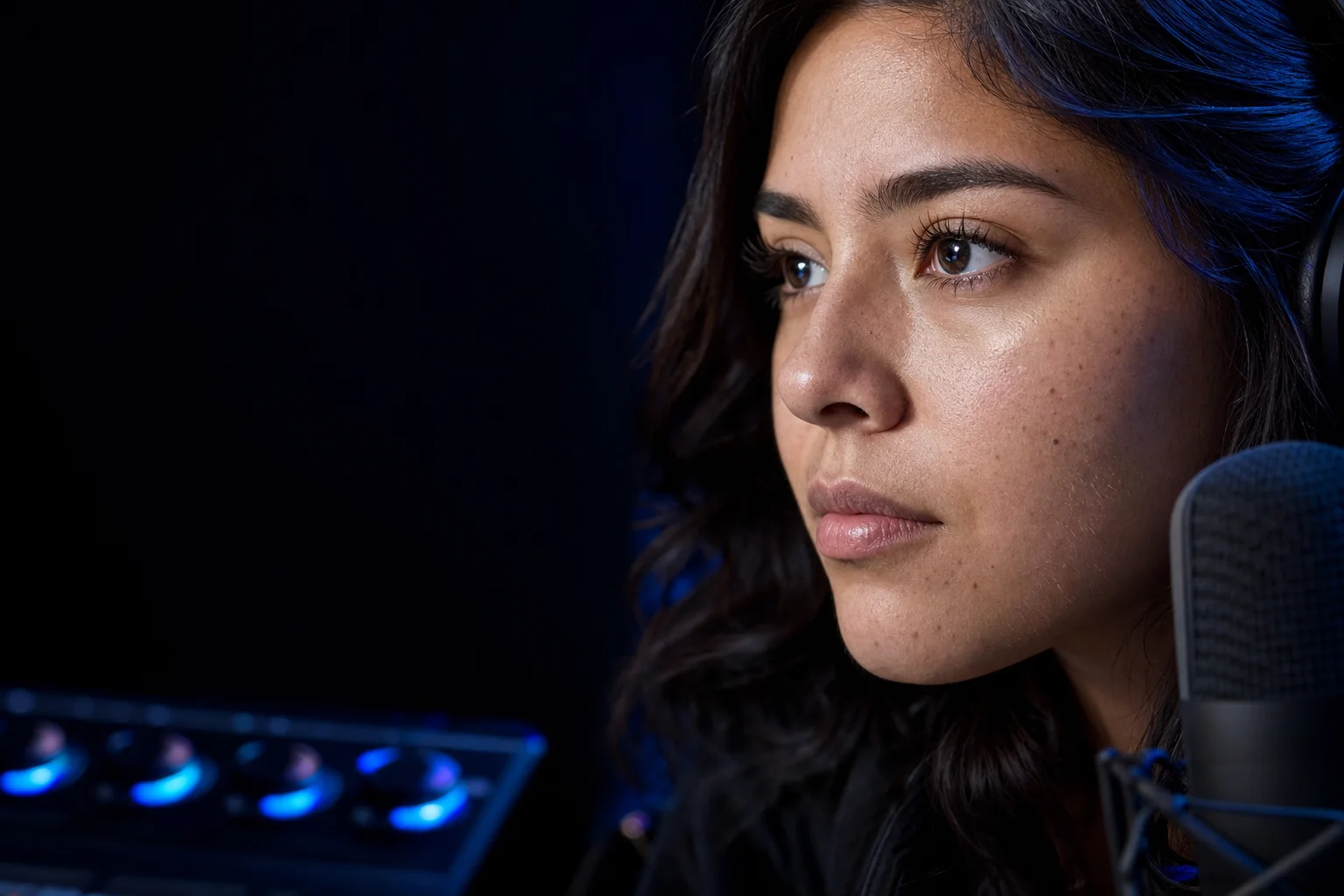
v2.5 turned long exports into a faster review loop
The creator update starts with trim and range export. Under Trim on the Export panel, enter a start and an end time (seconds or mm:ss), then render only the section you need to judge. Audio uses the same frame-quantized window, so a short test stays in sync. The range controls are for a single clip, while batch jobs keep their existing full-file flow.
That moves the first check on a mask from the end of a full render to a ten-second test stretch you choose. Pick a section with a head turn, a lighting change, and enough movement to expose a weak mask, then export only that. The status bar shows the processing rate and time remaining once a few seconds of export have settled on a stable rate. In a batch, the estimate updates for each file.
Loading footage got simpler too. Drag one clip or a full batch onto the window. The v2.5.1 patch made sure the preview itself accepts the drop instead of swallowing it. Hold Space comparison received the same kind of repair: with a preview on screen, holding Space shows the original frame from anywhere in the app, except while you type in a text field.
Choose the face, not just the frame
Primary face only follows the largest, most central face in the shot. Ignore small faces leaves distant people outside the effect. Those choices are recalculated from geometry on every frame, which avoids assigning the effect to a face simply because it happened to occupy the same detection index in the previous frame.
The preview still numbers every detected face, and the green mask overlay shows who is affected. That suits interviews, event footage, or a podcast shot where background faces should stay untouched.
A look can move with the project
Custom looks now travel as .vfpreset files. Export a preset and send it to another editor. A preset from a newer version still loads in an older build, and settings the older build doesn't recognize are ignored instead of rejecting the file. User preset slots doubled from two to four.
Shine removal and Reduce redness became faster at higher resolutions. With every pass turned up, the smoothing stage ran about 1.6 times faster at 4K and about 1.8 times faster at 1080p in our tests. In 2.5, the thresholds and blends stayed at full resolution, and the built-in presets left those passes off, so their output was byte-for-byte identical to 2.1.
v2.6 heals small blemishes instead of recoloring them
A pimple isn't only red. It may be darker than the surrounding skin and carry its own texture. Turning down redness can't rebuild that surface. The new Blemish removal slider works earlier in the pipeline, reconstructing small acne and blemish spots from nearby skin before smoothing and detail restoration run.
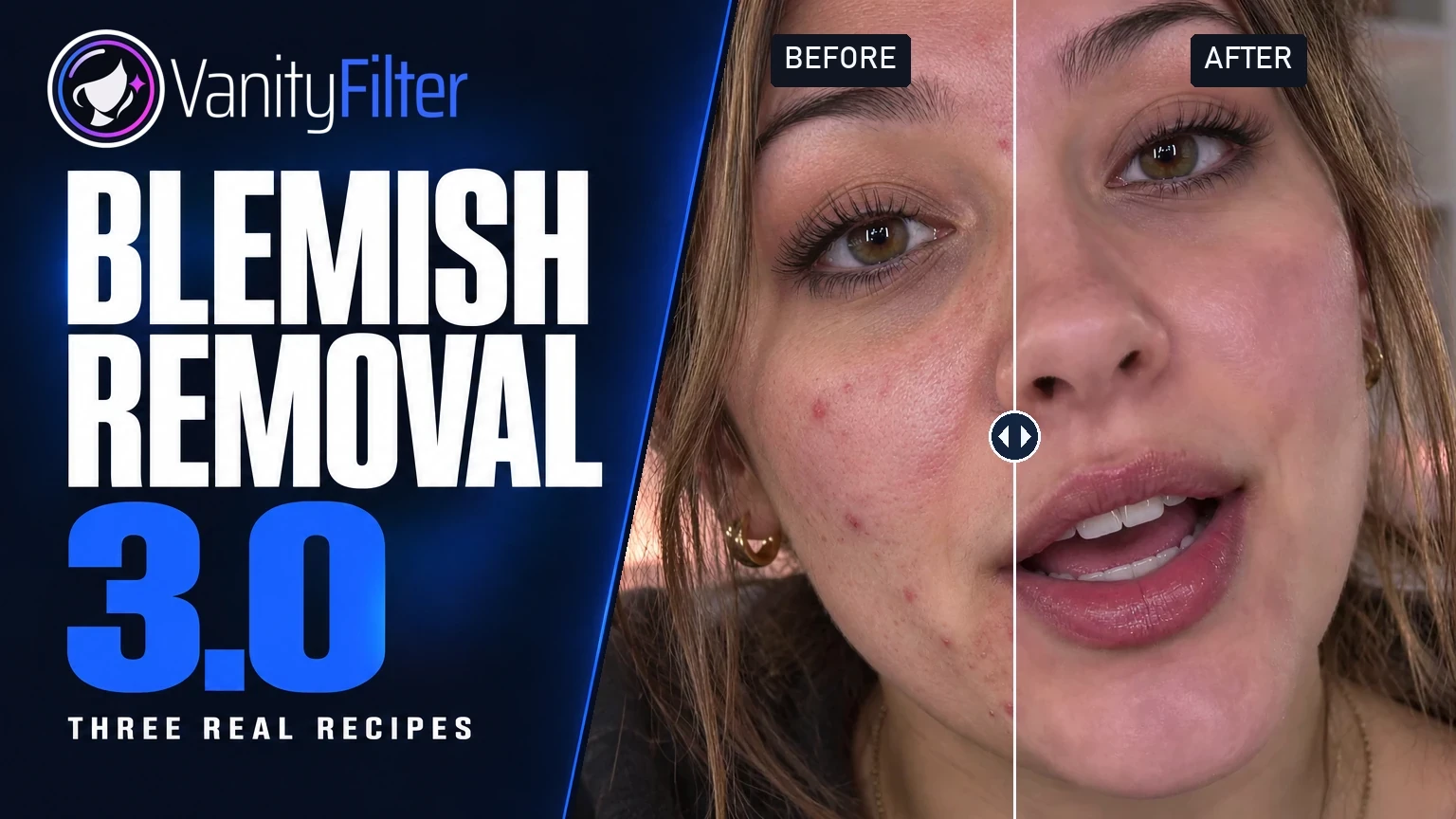
In 2.6, the detector looked for red inflamed spots and clusters of darker pigmentation. It deliberately left isolated moles, beauty marks, stubble, and beards alone. The control carried an Experimental label at launch. Version 3.0 removed that label and changed which spots the repair targets. Results vary with skin tone and acne type, so test a short range before a full job. The VanityFilter 3.0 walkthrough covers the later changes.
Every adjustment also gained an information icon after its name. Hover over it for a plain-language explanation. Nothing pops up while you're dragging a slider.
v2.7 completes the Spanish experience
Open the Help menu, choose Language, and pick the Spanish entry. Restart VanityFilter to switch all 179 interface strings, including tooltips and error messages, to Latin American Spanish. Number formatting continues to follow the Windows regional settings on the computer.
The installer now includes a complete Spanish PDF manual beside the English edition. Each manual receives its own Start Menu entry, and the Spanish download page links directly to the Spanish file.
Two interface changes finish the release. A manual Check for Updates used to fail silently after the automatic startup check, and it now always answers. The Help and preset menus highlight the item under the pointer, which they didn't do before.
One update contains all three days
Version 2.7.0 carried the whole sequence: the v2.5 creator workflow, the v2.6 blemish removal, the Spanish interface, and the 2.5.1 patch between them. Existing users can review the exact record in the complete changelog.
Get the current release
This page covers VanityFilter 2.7.0, which has since been superseded. The current release is on the download page.