
Search for free skin smoothing software and you get a pile of download buttons. Some lead to full editors with working skin tools. Others lead to a free tier that watermarks the export, a feature your region doesn’t get, or a tool that only works after you upload the clip. Free usually means you pay in something other than money. This guide goes through the free routes for video, checked against each vendor’s own pages on October 17, 2026, so you know the price before you download.
The free version of DaVinci Resolve is a full editor, but Blackmagic puts the face and beauty tools in Studio. CapCut’s free online retouch isn’t available in the United States right now. Filmora and Descript have skin tools and free plans, and both watermark free exports. Clipchamp lists no skin tool. VanityFilter, our own app, is a free download that needs a license; the cheapest way in is a $9.95 USD 30-day demo license.
The free options at a glance
| Option | Skin smoothing | What the free route costs you |
|---|---|---|
| DaVinci Resolve (free) | Face and beauty tools are listed with Resolve Studio | Studio is $295 if you want them |
| CapCut online face retouching | Smooths the face; CapCut says it works on video | Not available in the United States right now; the clip goes online |
| Filmora | Retouch section with skin smoothing and texture controls (plan requirement not stated) | Free version watermarks exported files |
| Descript | Skin smoothing effect with a Strength slider (plan requirement not stated) | Free plan: watermark, 720p export, 60 media minutes a month |
| Clipchamp | None listed | Free editing tools, but no skin tool to use |
| VanityFilter (our app) | Skin-only smoothing, up to five faces per frame | Free download, but it needs a license; $9.95 USD 30-day demo |
DaVinci Resolve: a free editor, with the face tools in Studio
Blackmagic gives away DaVinci Resolve for free, and it’s a serious editor and color tool. The catch for skin work is where the face tools live. On the Studio page, Blackmagic lists face and beauty tools for retouching among the additional Resolve FX that come with DaVinci Resolve Studio, priced at $295. Face Refinement is the Studio effect aimed at skin, and our Resolve skin smoothing guide covers how it works.
If you already own Studio, try Face Refinement before you buy anything else. If you don’t, the free download won’t smooth skin on its own.
CapCut: free online, but not everywhere
CapCut’s face retouching page describes the online tool as free and says it can smooth the face, brighten skin and remove dark circles, on video as well as photos. The same page also says the Retouch feature is not available in the United States right now. If you are in the US, that settles it for now. Elsewhere, remember that an online tool means the clip is uploaded and processed on CapCut’s side. Our CapCut skin smoothing guide goes through the controls.
Filmora: real skin controls, watermarked free exports
Filmora’s Retouch guide describes a Beauty section with controls for skin texture, tone, smoothing, whitening, wrinkles and under-eye bags, plus face reshaping and makeup. Wondershare’s pricing page answers the free question in its FAQ: the free version adds watermarks to exported files, and the paid plans list export without watermark. The Retouch guide doesn’t say which plan the beauty controls need, so check in the app before you build a project around them. For when the timeline tool is enough and when to smooth first, see our Filmora guide.
Descript: a free plan with real limits
Descript now has a Skin smoothing effect with a Strength slider. Descript’s own help page says it may not work as expected with small faces or with three or more people, and that low light makes faces harder to detect. Descript’s pricing page lists a Free plan at $0. Its limits are spelled out in the comparison table: a watermark on video exports, 720p export, 60 media minutes a month and 100 one-time AI credits. The help page doesn’t say which plans include Skin smoothing. Our Descript guide has the details and what to do with the shots it doesn’t suit.
Clipchamp: free tools, no skin tool
Microsoft’s Clipchamp lets you use its editing tools for free. Its features page lists no skin smoothing, beauty or retouch tool. The video enhancer there adjusts brightness, saturation and contrast for the whole frame, which can help with flat light but does not target skin. Our Clipchamp guide covers how to treat the clip outside Clipchamp and bring it back in.
What free usually costs you
A watermark or a smaller export
A watermark is at least easy to spot. You see it in the preview or the export and you know where you stand. A 720p cap is easier to miss until you upload a 4K talking head and watch it come back soft.
Your footage, on someone else’s computer
Online tools process video on the vendor’s servers. That is fine for a selfie clip. For client interviews, unreleased product footage or anything covered by an agreement, read the privacy terms first, or use a tool that processes on your own machine.
Time
A blur filter is free in almost every editor. It also softens eyes, brows and hairlines, so a clean result means masking and tracking each face by hand. For one short clip, that may be fine. For a backlog of interviews, work out what your hours are worth before you pick the free route.
A sketchy installer
Download from the vendor’s own website. Mirrors and pages that offer a paid program for free can carry bundled adware or malware. Check who signed the installer and compare the checksum when the vendor publishes one.
VanityFilter: free to download, paid to run
VanityFilter is our own app, so read this section with that in mind. The installer is a free download from our download page, for 64-bit Windows 10 (1809 or later), Windows 11 and Apple Silicon Macs on macOS 14 or later. The Windows installer is signed by Sputnik Digital LLC, and the page lists its SHA-256. The app needs activation with a license key and a code sent to your purchase email, so the download alone doesn’t smooth anything. There is no free trial.
The cheapest way in is the 30-day demo license at $9.95 USD. It is the full app with every feature and unwatermarked exports, and you can upgrade without reinstalling. The full license is a one-time $29.95 USD on sale (regularly $49), for one person on two active computers across Windows and Mac. If the app won’t install or run on your computer, the 7-Day Installation Guarantee applies.
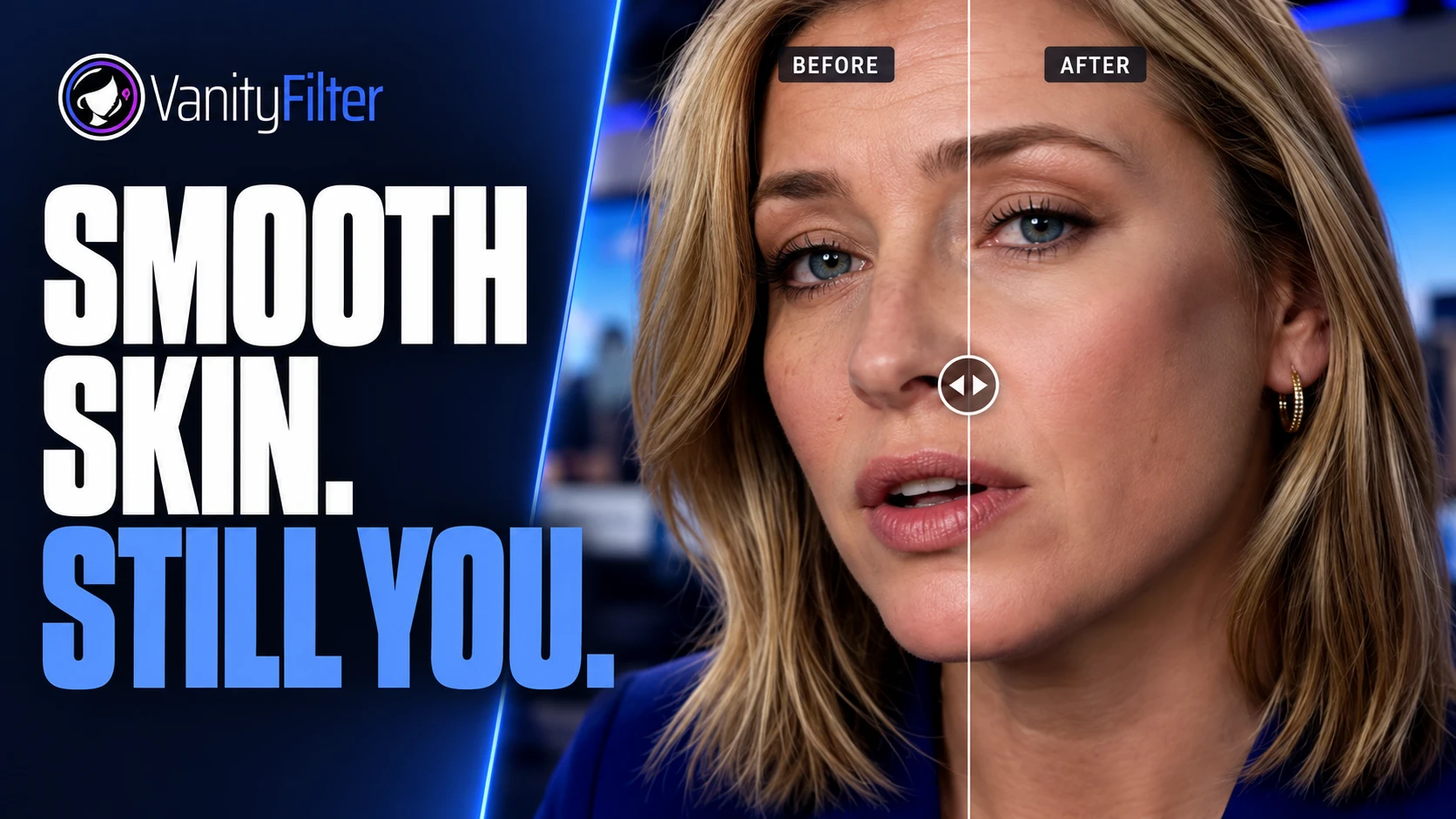
What you get for that: VanityFilter detects up to five faces per frame, including some turned and profile heads, and smooths skin inside a mask for each face, leaving eyes, lips, hair and clothing as shot. Video is processed on your computer and never uploaded. It exports H.264 MP4 or ProRes 422 HQ MOV at the source frame size, so the file drops into any editor. You can see the controls and real processed clips before you spend anything.
How to choose
If you already own Resolve Studio, Filmora or a paid Descript plan, use the skin tool you have and check it on your worst clip first. If you need one quick clip and don’t mind a watermark or an upload, a free tier will do. If you have more than one person in frame, footage you can’t upload, or a stack of recordings to clean up, a paid tool made for that job is worth testing. Test it on a clip with two people, mixed light and a head turn before you commit.
Frequently asked questions
Is there free skin smoothing software for video?
Yes, with conditions. CapCut describes its online face retouching as free, but says Retouch is not available in the United States right now. Filmora and Descript have free plans and skin tools, and both put a watermark on free exports. The free version of DaVinci Resolve is free to download, while Blackmagic lists its face and beauty retouching tools among the extras in Resolve Studio.
Does the free version of DaVinci Resolve smooth skin?
Not with the face tools. Blackmagic lists face and beauty retouching tools among the additional Resolve FX that come with DaVinci Resolve Studio, which is $295. Face Refinement is the Studio effect aimed at skin.
Is VanityFilter free to download?
The installer is a free download, but the app has to be activated with a license key and a code sent to your purchase email. The cheapest way in is the 30-day demo license at $9.95 USD, which is the full app with every feature. The full one-time license is $29.95 USD on sale, regularly $49.
Do free online skin smoothing tools upload my video?
An online tool processes the clip on the vendor’s side, so the footage leaves your computer. Read the tool’s privacy terms before you upload client work or anything under an agreement. A desktop app that processes locally keeps the file on your machine.
Where is it safe to download skin smoothing software?
From the vendor’s own website. Check that the installer is signed by the company you expect, and compare the checksum when the vendor publishes one. Skip download mirrors and anything that promises a paid program for free, because those can carry bundled adware or malware.
Want to try VanityFilter on your own footage? The 30-day demo license is $9.95 USD and includes every feature.