
For talking-head footage headed into Shotcut, we recommend VanityFilter: process the source file on your own computer, then cut the corrected clip in Shotcut. It costs $49, currently on sale for $29.95, once. Shotcut’s filter list has no skin or beauty filter, so the free route is a blur inside a soft shape, kept on the face with Motion Tracker. On one well-lit face that can be enough.


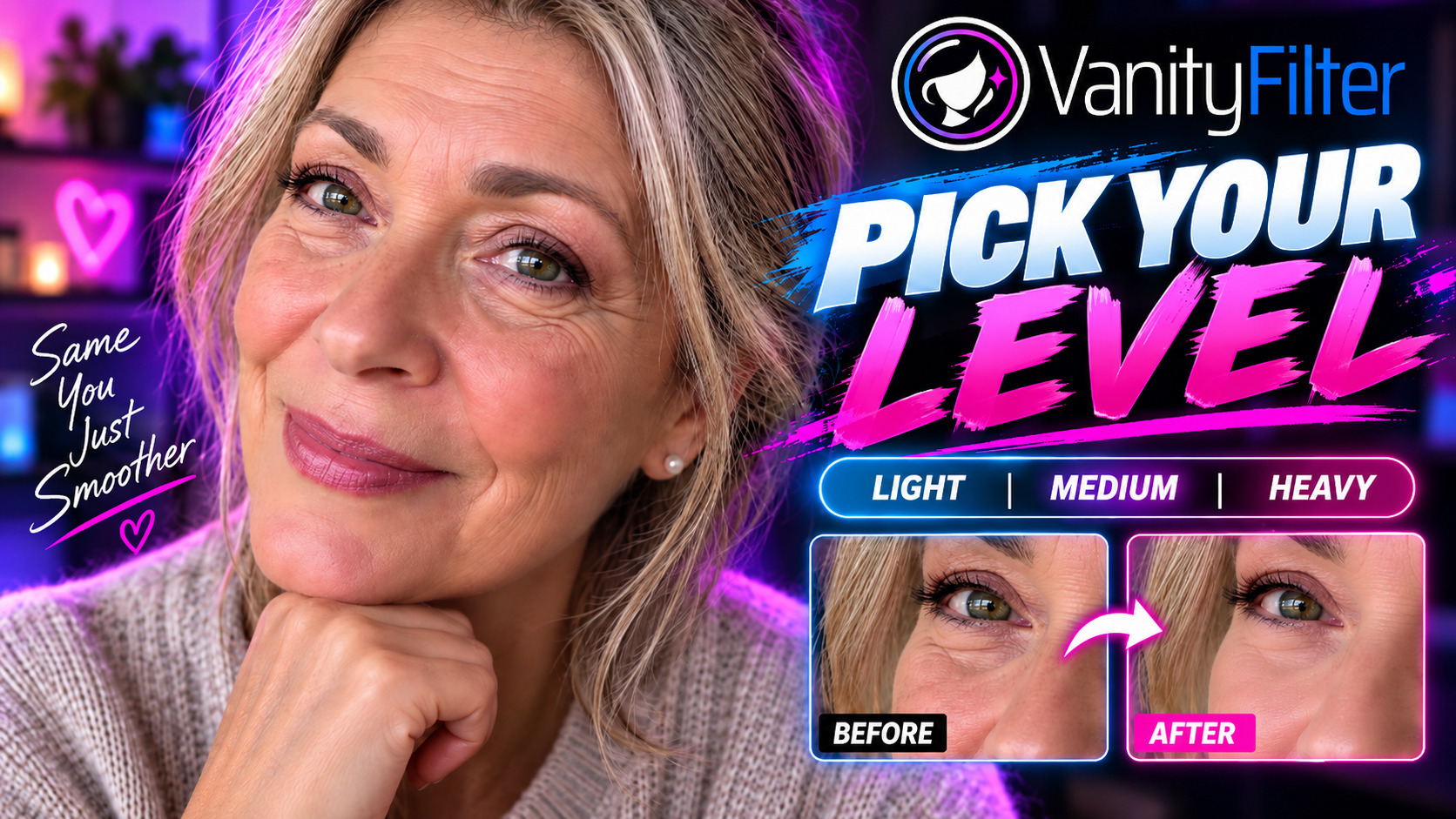
The same close-up frame before and after processing in VanityFilter 3.1.5. Drag across her forehead and the lines beside her eyes: they soften without disappearing, and her eyes, brows and hair keep their detail. This clip was not edited in Shotcut, and this is not a side-by-side test against a Shotcut blur.
Budget of zero and one face in good light: try the masked blur below. Several faces, a long clip, or skin that has to keep its texture: smooth the source file with VanityFilter, check the skin mask, then open the corrected file in Shotcut. We make VanityFilter, so weigh this advice accordingly.
What Shotcut gives you for skin
Shotcut is a free, open source editor for Windows, macOS and Linux, and its FAQ says yes to commercial use. The features page runs through a long list of video filters: several blurs, noise reduction, chroma key, masks and a Motion Tracker. Nothing on that list is named for skin, beauty or faces.
The nearest thing to a hint is in the Blur: Exponential documentation, which lists “subtle beauty or matte effects” among its uses. Blur is easy. Keeping it on the skin takes the work.
How to build a masked blur in Shotcut
Filter order matters here. The Mask: Simple Shape documentation calls it a sandwich: the shape goes first, effects go in the middle, and Mask: Apply goes last. Leave out Mask: Apply and you won’t get the rest of your picture back.
- Select the clip and add the Motion Tracker filter. Run its analysis on the face. It creates tracking data and applies no effect of its own.
- Add Mask: Simple Shape, choose the ellipse, place it over the face and raise Softness so the edge doesn’t show.
- In that filter, use Load Keyframes from Motion Tracker and pick the tracker you just ran. Set the shape before you do this: if you change your mind later, the documentation says to reset and apply again, and any keyframes you edited by hand are lost.
- Add Blur: Exponential below the mask and keep Amount low.
- Add Mask: Apply at the bottom of the list. It has no settings.
- Play the whole clip back at full size and watch the edge of the shape, especially on head turns.
Those names come from Shotcut’s English documentation, so they can read differently in a translated interface. We haven’t timed this chain or tested its output against VanityFilter, so judge it on your own clip.
Where the masked blur runs out
A simple shape knows nothing about skin. Inside the ellipse, the blur lands on eyes, brows, lips and any hair that crosses the face. The documented shapes are rectangle, ellipse, triangle and diamond. A second person means a second tracked mask. Add more turning and talking, and you are hand-correcting keyframes on a clip you were supposed to be editing. Flat-pack furniture without the pictures offers a similar evening.
| Decision | VanityFilter, then Shotcut | Masked blur in Shotcut |
|---|---|---|
| Software cost | $29.95 once at the current sale price, regularly $49. Shotcut stays free. | $0 |
| What gets softened | A skin mask across face, forehead and neck, which you can check before export | Everything inside the shape you place |
| Several faces | Detects up to five per frame, with one set of settings | One shape and tracking pass per face |
| Changing your mind | Process the source again, or export a matte for later use | Filters stay editable in the project until your last export |
| Platforms | Windows and Apple Silicon Macs on macOS 14 or later. No Linux or Intel Macs. | Windows, macOS and Linux |
| License | One user on two active computers. Video stays on your computer, and activation needs a connection. | Free and open source, commercial use allowed |
The Shotcut route wins on price, Linux and last-minute changes. VanityFilter wins on the thing you came for: a mask built around the skin. If mask edges are what worry you, our piece on temporal stability explains why a correction can look right on every still frame and still crawl in playback.
Smooth the file first, then open it in Shotcut
This route keeps skin work out of the Shotcut project. You still export the edit from Shotcut as usual, but the blur chain and its tracking are no longer part of it. Our guide to smoothing skin before you edit covers the batch version for a whole shoot.
- Start from the original camera files.
- Open a clip in VanityFilter. On Windows it reads MP4, MOV, M4V, AVI and MKV.
- Step through the sampled frames with the ◀ and ▶ buttons beside the frame counter until the person is mid-sentence and moving. Click Mask in the view buttons.
- The skin mask shows as a green overlay. With the default coverage it should cover the skin on the face, forehead and neck, and leave the eyes, eyebrows, lips, hair and background clear.
- Raise Amount slowly from a low start until the skin looks rested.
- Export, then open the corrected file in Shotcut and cut as usual.
The export panel offers H.264 (.mp4) and ProRes 422 HQ (.mov) at the source frame size. On Windows, H.264 uses NVIDIA’s NVENC encoder when the card supports it and a software encoder when it doesn’t. The audio is re-encoded either way, AAC in the MP4 and PCM in the MOV. Shotcut says it supports hundreds of formats through FFmpeg, so run a short test clip through both apps before you commit a long project. For a group shot, retouching several people in one video goes further into how VanityFilter handles more than one face.
VanityFilter can also save a grayscale matte next to each output with Export mask video. The mask matte workflow shows how that works in Premiere Pro and DaVinci Resolve. We haven’t documented a matte workflow for Shotcut, so treat the corrected file as the route for this editor.
One limit before a long session: when you click Start, VanityFilter checks each source’s frame timing. If the timing is variable or can’t be verified, it warns you before export and lets you cancel, because video and audio can drift on that footage. Convert those files to a constant frame rate first.
Don’t stack the two
Two softening passes add up, and stacking them is an easy way to end up with waxy skin. If a file already went through VanityFilter, leave the blur chain off that clip. Pick one tool per clip so you always know which one to adjust. If you are still pricing the whole kit, our one-time-purchase setup guide runs the numbers on VanityFilter with Shotcut and with paid editors.
Frequently asked questions
Does Shotcut have a skin smoothing filter?
Shotcut’s features page lists no skin, beauty or face filter. The closest documented route is a Mask: Simple Shape filter, a blur, and Mask: Apply. The Blur: Exponential documentation names subtle beauty effects as one recommended use, but the blur still affects everything inside the mask.
What is the best way to smooth skin for a Shotcut edit?
For a talking-head clip, we recommend running the source file through VanityFilter, then editing the corrected file in Shotcut. It builds a skin mask for each detected face and costs $29.95 once at the current sale price. If you have one face, plenty of light and no budget, try the masked blur in Shotcut first.
Can Shotcut track a face for a mask?
Shotcut’s Motion Tracker can drive Mask: Simple Shape through a Load Keyframes from Motion Tracker button. The documentation describes tracking generally and doesn’t mention face detection. Check the shape through the whole clip and correct it where it wanders.
Does VanityFilter work inside Shotcut?
No. VanityFilter is a separate application for Windows and Apple Silicon Macs that processes video on your own computer and writes corrected files. You open those files in Shotcut like any other media. It is not a Shotcut plugin, and it doesn’t run on Linux.
Should I use a masked blur and VanityFilter on the same clip?
Usually not. Two softening passes stack, and skin can turn waxy. If the file already went through VanityFilter, leave the blur chain off that clip in Shotcut.
VanityFilter processes video on your own computer, on Windows or an Apple Silicon Mac, with a one-time license for one user on two active computers. Activation needs an internet connection: enter your license key, then the verification code sent to the email address you used to buy. Get the $9.95 30-day demo and run one clip through it before your next Shotcut edit.