
The VEGAS Pro pricing page names no skin tool in the base edition. Skin work arrives with VEGAS Pro Ultimate, which bundles the Boris FX Continuum plugins. On VEGAS Pro or Plus you can build a softening pass from a mask and an effect, but the mask follows a whole person, not their skin. The third route is to smooth the source file first and edit the corrected footage in VEGAS as usual.

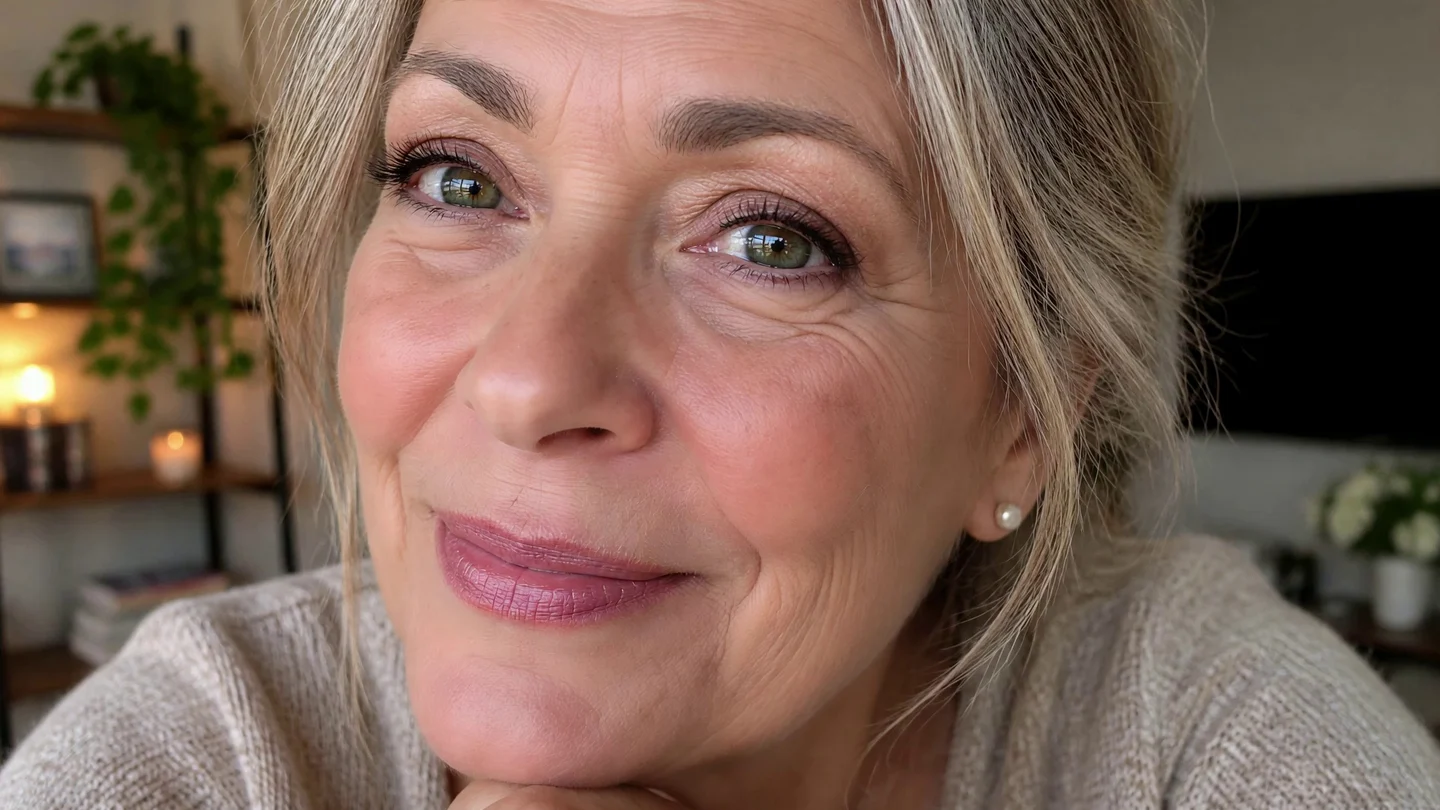
The same close-up frame before and after processing in VanityFilter 3.1.5. Drag across her cheeks and the lines beside her eyes: they soften without disappearing, and her eyes, lips and hair keep their detail. This clip was not edited in VEGAS Pro.
If you own VEGAS Pro Ultimate, look for Beauty Studio in its Continuum filters and try that first. On VEGAS Pro or Plus, or on footage with several faces, smooth the source file on your own computer, check the skin mask, then import the corrected file into VEGAS.
What each VEGAS Pro edition gives you for skin
VEGAS Pro runs on Windows 11, and its pricing page lists three editions: VEGAS Pro, VEGAS Pro Plus and VEGAS Pro Ultimate. All three include the AI Tools row, which VEGAS says can isolate objects with AI masking. Plus adds Mocha VEGAS tracking and masking. Ultimate adds the Continuum VFX plugins and the Mocha Pro plugin, and that Continuum section is the only place the page mentions skin: it describes fixing footage “from blurry shots to skin touch-ups.”
The page shows no prices, so we don’t quote any here. Check the current offer on VEGAS’s own site.
VEGAS Pro Ultimate: Continuum and Beauty Studio
Beauty Studio is the skin filter in Boris FX Continuum, and Boris FX lists VEGAS among its supported hosts on the Beauty Studio product page. Boris FX says it isolates skin tones with a built-in two-stage keyer, smooths in several passes, sharpens to keep detail, and lets you blend the result back toward the original. The VEGAS pricing page describes Ultimate’s Continuum set as 300+ effects and thousands of presets but doesn’t name Beauty Studio, so open the Continuum filters in your own copy before you promise a client anything.
If it’s there, it’s the obvious first try. The effect stays live on the event, so you can adjust it until the last export. That flexibility costs you render time on every preview and every export. We compare Beauty Studio with a separate skin pass in VanityFilter vs. Boris FX Beauty Studio.
VEGAS Pro and Plus: a mask and a softening effect
Without Continuum, the do-it-yourself route is a mask with a softening effect inside it. VEGAS’s own Smart Mask write-up describes the masking half. The AI identifies objects in the frame, you set its confidence, and it adds a Bézier Masking plug-in to the FX chain. It tracks the object as it moves, and it can make up to five masks in one frame.
The catch is the word object. VEGAS describes Smart Mask in terms of people and objects, and nothing on that page describes a skin-only mask. Soften inside a mask drawn around a person and the blur lands on their eyes, eyebrows, lips and hair too. You can reshape the Bézier points to keep it on the cheeks and forehead, but then you are hand-fixing a mask on a talking head, frame range by frame range. That is a fine way to spend an evening if you have run out of other hobbies.
Smoothing the file before it goes into VEGAS
The other route keeps retouching off the timeline entirely. Retouch the source video on your own computer, import the corrected file into VEGAS Pro and cut as usual. Nothing skin-related renders with your project, and the same corrected file works in any later edit. Our guide to smoothing skin before you edit covers the batch version of this for a whole shoot.
- Start from the original camera files, before any VEGAS render.
- Run the skin pass on each file and check the mask before you export. The steps are below.
- Import the corrected files into VEGAS Pro and build the edit there.
VanityFilter is an application for Windows and Apple Silicon Macs. On Windows it reads MP4, MOV, M4V, AVI and MKV. Open the clip and step through the sampled frames with the ◀ and ▶ buttons beside the frame counter until you reach one where the person is mid-sentence and moving. Then click Mask in the view buttons. The skin mask shows as a green overlay. With the default coverage, the green should cover the skin on the face, forehead and neck, and leave the eyes, eyebrows, lips, hair and background clear. If it does, raise Amount slowly from a low start until the skin looks rested. VanityFilter detects up to five faces per frame, including some turned and profile heads, and one set of settings applies to every face it selects.
The export panel offers H.264 (.mp4) and ProRes 422 HQ (.mov), at the source frame size. On Windows, H.264 uses NVIDIA’s NVENC encoder when the card supports it and falls back to a software encoder when it doesn’t. The audio is re-encoded either way, AAC in the MP4 and PCM in the MOV. If you’d rather keep the skin adjustable in VEGAS, turn on Export mask video, which saves a grayscale matte next to each output. The mask matte workflow shows the idea in Premiere Pro and DaVinci Resolve.
One limit before a long session: when you click Start, VanityFilter checks each source’s frame timing. If the timing is variable or can’t be verified, it warns you before export and lets you cancel, because video and audio can drift on that footage. Convert those files to a constant frame rate first.
Don’t stack the two
Two smoothing passes add up, and stacking them is an easy way to end up with waxy skin. If a file already went through VanityFilter, leave Beauty Studio off that event. If you have Ultimate and need a light touch on one well-lit speaker, Beauty Studio alone is less work. Pick one tool per clip so you always know which one to adjust.
Frequently asked questions
Does VEGAS Pro have a skin smoothing effect?
Only in the top edition. The VEGAS pricing page lists the Continuum VFX plugins for VEGAS Pro in VEGAS Pro Ultimate only, and describes them as covering fixes from blurry shots to skin touch-ups. Boris FX lists VEGAS as a host for its Continuum Beauty Studio filter. The pricing page names no skin tool in VEGAS Pro or VEGAS Pro Plus.
Is Beauty Studio included in VEGAS Pro Ultimate?
The VEGAS pricing page says Ultimate includes the Continuum VFX plugins for VEGAS Pro, with 300+ effects and thousands of presets, but it doesn’t name Beauty Studio. Check the Continuum filter list in your own copy of Ultimate before you plan a client job around it.
Can Smart Mask isolate skin in VEGAS Pro?
VEGAS describes Smart Mask as AI that identifies objects in a frame, adds a Bézier Masking plug-in to the FX chain and tracks the object, with up to five masks per frame. Its description doesn’t mention a skin-only mask. A mask drawn around a person also covers hair, eyes, lips and clothing unless you reshape it by hand.
Should I use Beauty Studio and VanityFilter on the same clip?
Usually not. Two smoothing passes stack, and skin can turn waxy. If the file already went through VanityFilter, leave Beauty Studio off that event in VEGAS Pro.
Does VanityFilter work inside VEGAS Pro?
No. VanityFilter is a separate application for Windows and Apple Silicon Macs that processes video on your own computer. It writes corrected video files, which you import into VEGAS Pro like any other media. It is not a VEGAS plug-in.
VanityFilter processes video on your own computer, on Windows or an Apple Silicon Mac, with a one-time license. Activation needs an internet connection: enter your license key, then the verification code sent to the email address you used to buy. Get the $9.95 30-day demo and run one clip through it before your next VEGAS edit.