
VanityFilter is our pick as a Beauty Box Video alternative for editors who want to prepare clips in batches and keep the skin effect off the timeline. VanityFilter runs locally on Windows and Apple Silicon Macs. Your footage stays on your computer.
We make VanityFilter. VanityFilter is $49, currently on sale for $29.95 as a one-time purchase. The license covers one person on two active computers across Windows and Mac. Get VanityFilter.
Choose VanityFilter when you want corrected files ready for the next edit, with no host app required for the skin pass. Its file queue prepares a batch outside the timeline. You can reuse the result in a long edit and the short clips cut from it.
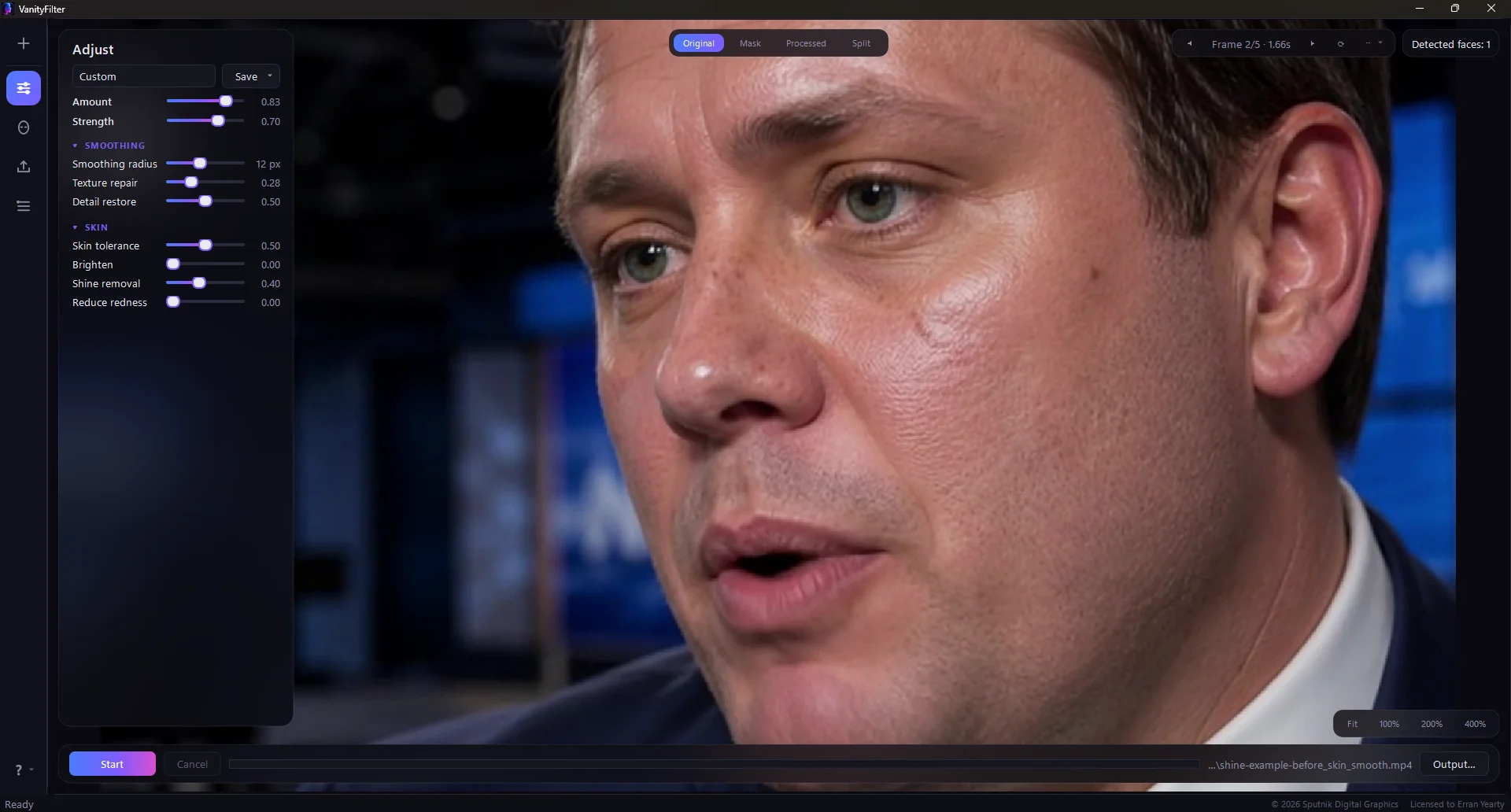
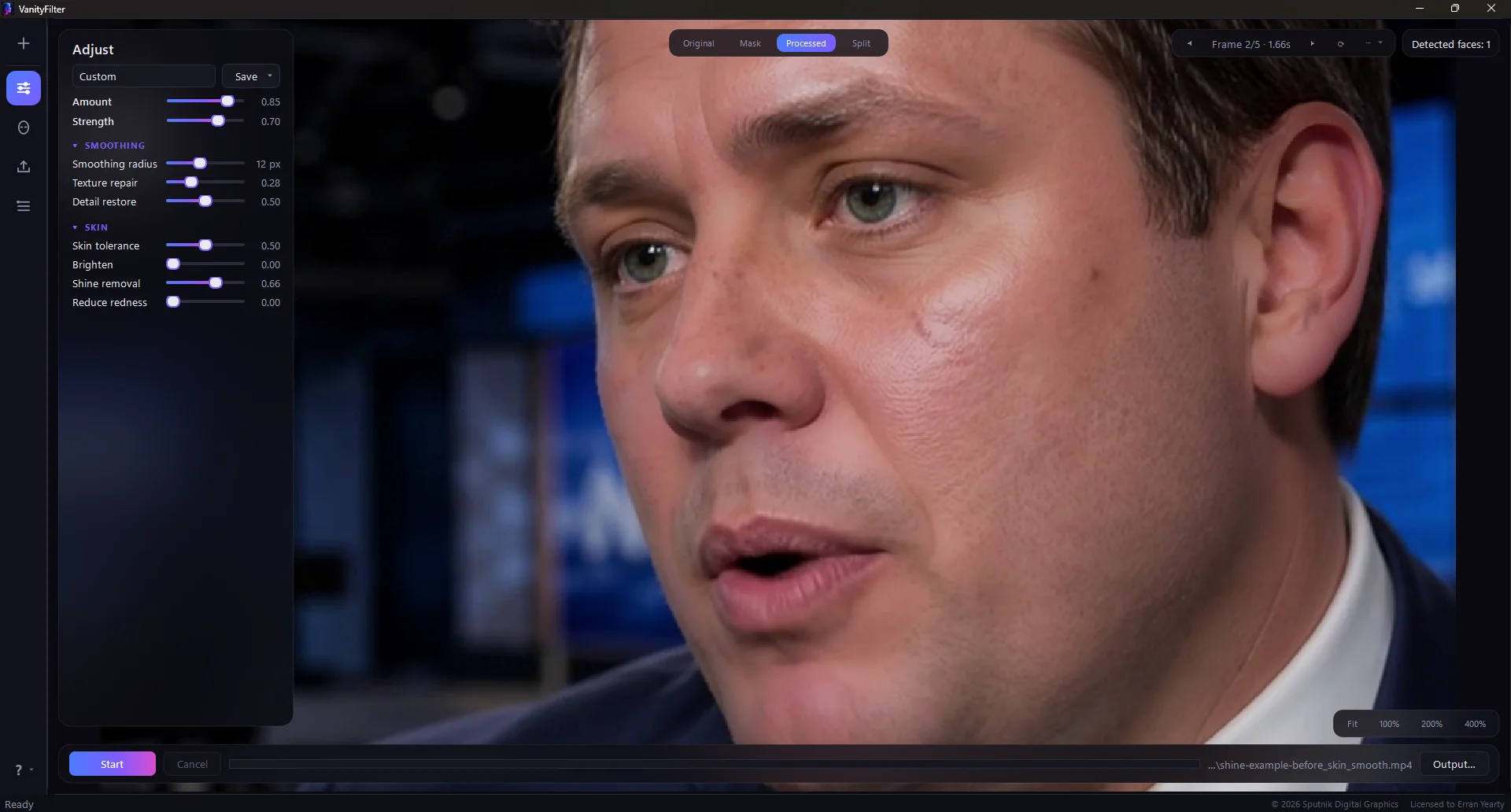
Actual VanityFilter result inside the app. Drag the handle to inspect cheek texture and forehead shine. This comparison shows VanityFilter, not a matched output test between products.
What you get from the VanityFilter pass
VanityFilter detects up to five faces per frame and builds a separate skin mask for each. Adjust smoothing with Detail restore, or use Shine removal without pushing the skin softer. Blemish removal has its own control. The VanityFilter feature guide shows how those controls work together.
The mask protects eyes, brows and lips. Each detected face gets its own sampled skin color, while one settings set applies to all selected faces in the export. Use Mask view to check head turns and the hairline. Separate treatments for two people require separate exports.
Prepare the footage once, then cut it
Run the source files through VanityFilter and import the corrected outputs into your editor. The skin treatment is already rendered into those files. You can cut a podcast episode and its short clips from the same prepared footage without adding the retouching effect to each timeline.
VanityFilter exports H.264 MP4 for delivery or ProRes 422 HQ MOV for editing. A grayscale skin matte lets you use VanityFilter's mask to control a correction in Premiere Pro or Resolve. It handles the skin pass and works alongside your editor.
What the licenses actually cover
VanityFilter's one-time license is independent of the editing application. Digital Anarchy's Beauty Box Video 6.0 store listing is $199 for one host app, with all hosts currently an additional $49. Its yearly plans are $149 for one host or $199 for all hosts, including its other plugins. Prices checked October 25, 2026.
Beauty Box also has a perpetual purchase. Digital Anarchy includes version upgrades for six months; later compatibility upgrades can cost extra. Buy the host coverage you need. A one-time payment is available for both products, so the decision is also about where you want the effect to live.
| Decision | VanityFilter | Beauty Box Video |
|---|---|---|
| Purchase | One-time license; no subscription | Perpetual purchase or yearly subscription |
| Host app required | No | Yes; choose licensed host coverage |
| Best workflow fit | Prepared clips reused across edits | Adjustments kept with each shot in the project |
| Skin and shine controls | Separate treatment controls inside face masks | Automatic skin masking and shine reduction |
| Output | H.264, ProRes 422 HQ and optional grayscale matte | Export through the host |
| Change the look later | Re-export from the original footage | Revise the plugin in the project |
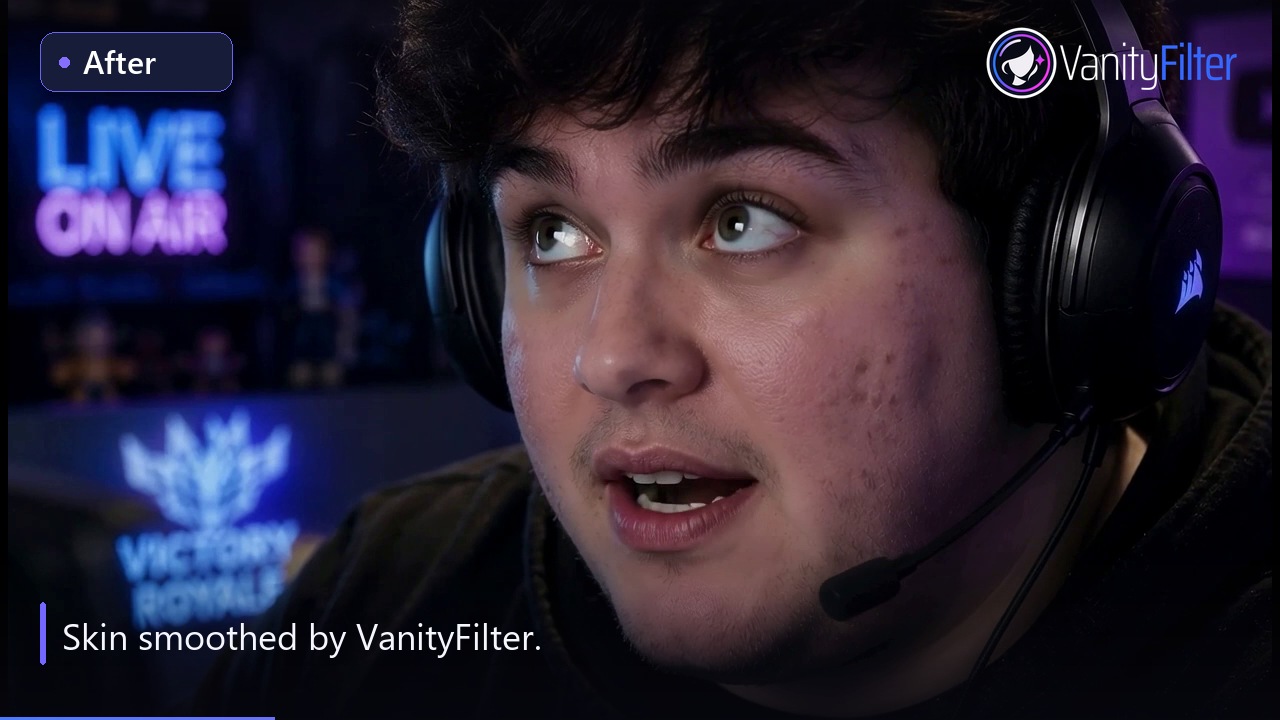
Before and after, in motion.
Compare the same recorded clip before and after processing, with synchronized switches.
Choose VanityFilter for repeated recording setups
A weekly interview or a batch from the same shoot is a good reason to use VanityFilter. Save the look, queue the files and inspect the exported footage before editing. The same presets also load through the command-line tool. Our pre-edit skin-smoothing guide covers the steps.
Beauty Box is worth keeping when each shot needs frequent revisions inside the edit. Its product page lists Premiere Pro, After Effects, Final Cut Pro, Avid and OpenFX hosts such as Resolve. Adjusting the plugin in the project avoids replacing a processed source file every time the look changes.
Check VanityFilter on your own footage
Use a clip with visible texture and a head turn. Check the mask, set the strength and export a short range. Watch it at normal speed before judging individual frames. For a bright forehead, try Shine removal first; our shine-removal guide explains what the control can do. Detail clipped to white in the source cannot be restored.
The $9.95 paid 14-day demo is the full VanityFilter app for 14 days. Download requirements include the platform details. Mac HDR10 and HLG footage exports as 8-bit SDR without tone mapping. Convert variable-frame-rate clips to constant frame rate before processing to keep accurate timing.
Buyer questions
Why choose VanityFilter as a Beauty Box Video alternative?
Choose VanityFilter for a standalone skin pass on recorded video, especially batches you want to prepare before editing. VanityFilter keeps processing local, exports corrected video or a skin matte and uses a one-time license independent of your editor. Beauty Box keeps the effect adjustable inside a supported host.
Does Beauty Box require a subscription?
No. Digital Anarchy offers a perpetual Beauty Box Video purchase as well as yearly subscriptions. The store's Beauty Box Video 6.0 listing is $199 for one host app, with all hosts currently an additional $49. Perpetual purchases include version upgrades for six months; later compatibility upgrades can cost extra. Prices checked October 25, 2026.
Can VanityFilter work with Premiere Pro or DaVinci Resolve?
Yes. VanityFilter exports H.264 MP4 or ProRes 422 HQ MOV files for your edit. It can also export a grayscale skin matte for a track matte or external matte. VanityFilter handles the skin pass; your editor still handles the edit and grade.
Does VanityFilter run on Windows and Mac?
VanityFilter supports 64-bit Windows 10 version 1809 or later, Windows 11, and Apple Silicon Macs running macOS 14 or later. Intel Macs are not supported. One license covers one person on two active computers in any mix of the supported platforms.
Does VanityFilter upload footage or need an account?
VanityFilter processes footage locally and never uploads video for processing or activation. Each computer activates online with your license key and a code sent to your purchase email. No account is required. After a successful license check, you can work offline for up to 30 days. Projects and previews remain available afterward; new exports need another successful online check.
Can VanityFilter give each person a different treatment?
VanityFilter detects up to five faces per frame and builds a separate skin mask for each. All selected faces share one settings set in an export. Different treatments require separate exports.
VanityFilter versus Magic Bullet Cosmo · Download VanityFilter.