
If you want smoother skin in your video, two very different tools can get you there. There’s DaVinci Resolve’s Face Refinement, built into a full color-grading suite, and there’s VanityFilter, a standalone app built for this one job. Here’s an honest look at how they stack up, and when each one is the right call. Drag the slider below to see the kind of result we’re talking about.


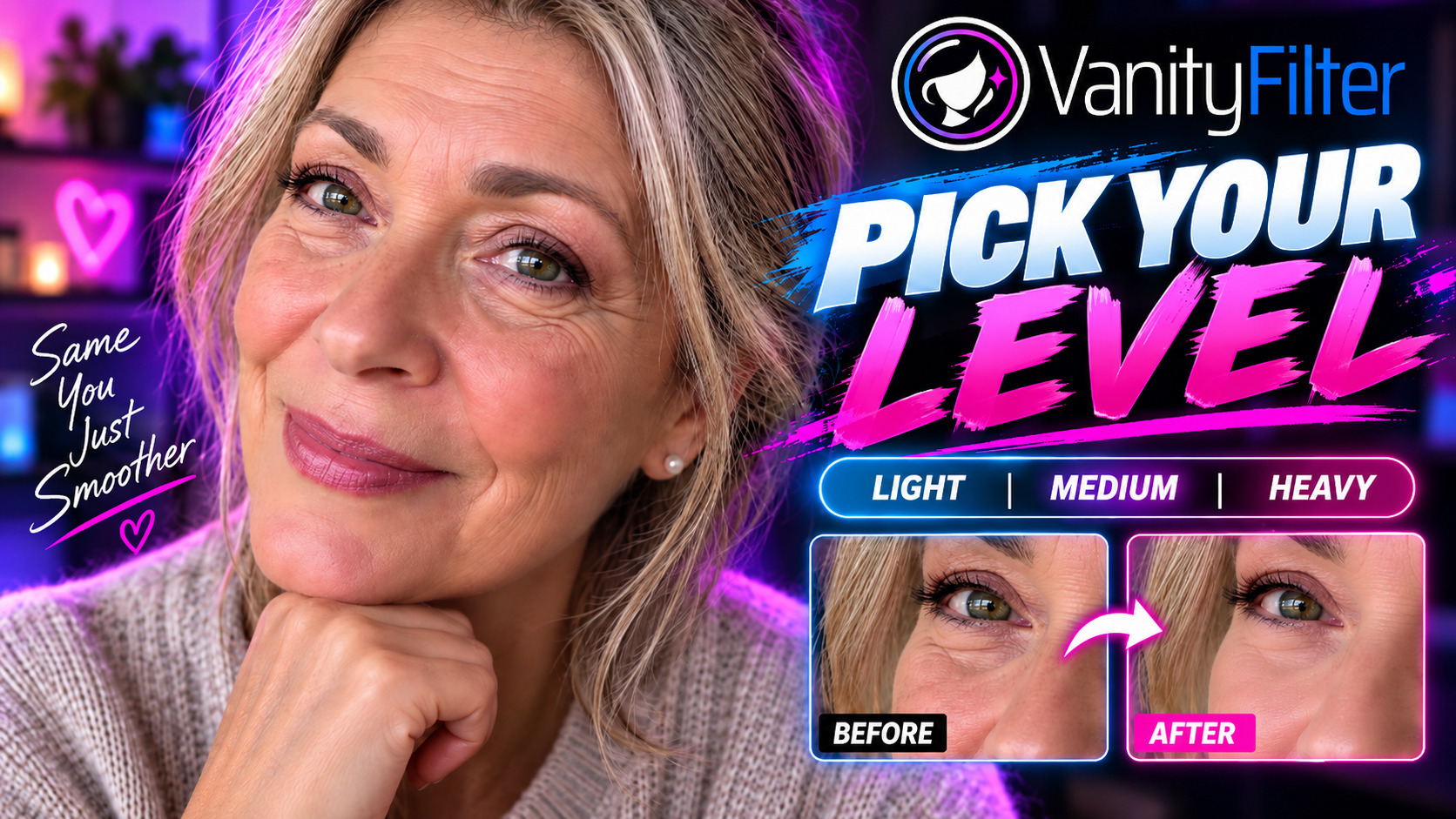
Compare frames from a broadcast interview processed with VanityFilter 3.1.5. Drag the divider to inspect the change.
The short version: Reach for DaVinci Resolve if you’re already grading a shot in Resolve Studio and you want the retouch to live inside your node tree. Reach for VanityFilter if you want to smooth skin on several people, or on a batch of clips, without setting up an NLE. It’s also the move if you’re on the free version of Resolve, which doesn’t include Face Refinement at all.
How skin smoothing works in DaVinci Resolve
Face Refinement is the face-tracking skin tool on the Color page. It finds the face, builds its own skin mask, and tracks the face through the clip. You can exclude the mouth, nose, and eye sockets from the mask, or limit the effect to the face region. Its controls cover the eyes, brows, cheeks, forehead, blush, lips, and eyelids. Neck is not among its listed areas. It’s a capable, professional tool with one important catch: Face Refinement is a DaVinci Resolve Studio feature, and Blackmagic lists Studio at $295 on its product page (October 2026). Resolve has other skin tools too. ResolveFX Beauty has an Ultra Beauty mode, and Resolve 21 adds AI Blemish Removal, which Blackmagic calls “a very simple skin-smoothing tool.”
In Resolve 19 and later, you drag Face Refinement onto a node, click Detect Faces in Frame, click the box around the face you want, and track it with the tracking buttons. Resolve 19 improved profile handling, but if the head tilts away or is occluded, you may need a manual fix with Interpolate (Keyframed). Under Skin Texture, Beauty Automatic (Amount and Scale) or Smoothing (Smoothing, then Detail Size and Detail) softens the skin. Dial back until it doesn’t go plastic. Got a second person in the shot? You repeat the whole thing on another node, because each node works on one selected face. Button names vary by Resolve version. Blackmagic’s Color page still says “click analyze.”
Without Face Refinement, you’d isolate skin with the qualifier palette (hue, saturation, and luminance), soften it, and limit it with a Power Window. Blackmagic says the tracker can animate Power Windows to follow moving objects, so the window can follow the face through the clip. That works, but it’s more hands-on.
How skin smoothing works in VanityFilter
VanityFilter is a standalone app for Windows and Apple Silicon Macs built for this job. Open one clip, or select several in the file picker. Several files run one at a time in a queue, and the command-line tool can batch them too. The app finds up to five faces in each frame, including turned views and some profile views. A main detector finds the faces, and a secondary detector picks up some profiles the main one misses. The app builds a soft skin mask for each detected face. Eyes, brows, lips, hair, hats, glasses, clothing, and the background stay out of the smoothing, and the Forehead coverage and Neck coverage sliders set how far the mask reaches. You pick one of five presets, then adjust the Strength slider and the other sliders in the Adjust and Mask shape panels while the preview updates live, and export H.264 MP4 or ProRes 422 HQ MOV, with the audio re-encoded (AAC in MP4, PCM in MOV). The same sliders apply to every selected face, and each face keeps its own sampled skin color. Brighten, Shine removal, Reduce redness, and Blemish removal are also there. No node tree, no timeline, no plugins. If you want the full breakdown of what “natural” smoothing actually means, our guide on how to smooth skin in video without looking fake goes deep on it.
Side by side
| Face Refinement | VanityFilter | |
|---|---|---|
| Runs in | Color page | Standalone app |
| Cost | Studio, $295 | $29.95 (list $49) |
| Works on | Windows, macOS, Linux | Windows 10 (1809+) or 11, 64-bit; Apple Silicon, macOS 14+ |
| Faces | One per node | Up to 5 faces |
| Mask | Automatic skin mask | Mask per detected face |
| Tools | Yes, per face area | Coverage sliders and protections |
| Reach | Face and forehead | Face, forehead, neck |
| Batch | Clip by clip | File queue, CLI |
| Setup | Node grading | Five presets |
When DaVinci Resolve is the right choice
If you already cut and grade in Resolve Studio, Face Refinement keeps the retouch in the same grade as the rest of the shot. You get node-based control and the face-specific controls above. Resolve also runs on Linux and Intel Macs, which VanityFilter does not support. For a single hero shot you’re already coloring, reach for Resolve.
When VanityFilter is the right choice
VanityFilter fits skin smoothing as a repeatable job across several people and many clips. It’s the better pick when you have more than one person in the frame, when you need to batch a backlog of episodes, or when you just want a finished clip smoothed without opening an editor at all. Turned and profile views are supported, with limits. Full profiles get limited ear protection, and if both detectors lose a face, its mask fades out. Check them in Mask view before you run a batch. Primary face only and Ignore small faces limit which faces get treated. Two different looks need separate runs, or use the mask matte in Resolve. It’s also far cheaper than Studio, and video processing stays on your own computer under a one-time license. The trade-offs are real, though: it supports 64-bit Windows 10 (1809+) or Windows 11, and Apple Silicon Macs running macOS 14 or later; Intel Macs and Linux are unsupported, it isn’t an editor or a grading suite, and it has no controls to change eyes, brows, lips, or makeup. Its Protect eyelids, Lip margin, and Eyebrow margin settings only set protection. You can run it on raw footage before you open the timeline, which we cover in smooth skin before you edit.
You can also use them together
These tools aren’t either/or. In VanityFilter, turn on Export mask video and Write settings JSON. You get a grayscale matte video and a JSON file with the settings used. In Resolve, a grayscale clip can serve as a matte on a node, so you can grade or composite the smoothed skin with node control. VanityFilter makes the mask, and Resolve does the finishing.
FAQ
Does DaVinci Resolve have skin smoothing?
Yes. Face Refinement is the face-tracking skin tool, and it’s a DaVinci Resolve Studio feature. Resolve also has the
ResolveFX Beauty effect, with an Ultra Beauty mode, and Resolve 21 adds AI Blemish Removal. Without Face Refinement,
you’d isolate skin with the qualifier palette, soften it, and limit it with a Power Window.
Is VanityFilter a DaVinci Resolve plugin?
No, it’s a standalone app for Windows and Apple Silicon Macs. Process clips before or after your edit, or export a mask matte and pull it
into Resolve.
Which is better for smoothing several faces at once?
VanityFilter. It masks up to five faces in one automatic pass. In Resolve, each Face Refinement node works on one
selected face, so each extra person needs another node.
Can I use VanityFilter and DaVinci Resolve together?
Yes. Turn on Export mask video and Write settings JSON in VanityFilter to get a grayscale matte video and a settings
file. In Resolve, a grayscale clip can serve as a matte on a node, so you can composite or grade the smoothed skin
with node-based control.
Related: How to smooth skin in video without looking fake · Get VanityFilter