
Yes. For skin retouching in recorded video on Windows, VanityFilter is our pick: $29.95 once for a perpetual full license covering one person on up to two computers. It processes the footage before you bring it into your editor. Premiere Pro still handles your edit; After Effects still handles compositing and motion graphics. You can also use a free editor and avoid an Adobe subscription altogether.
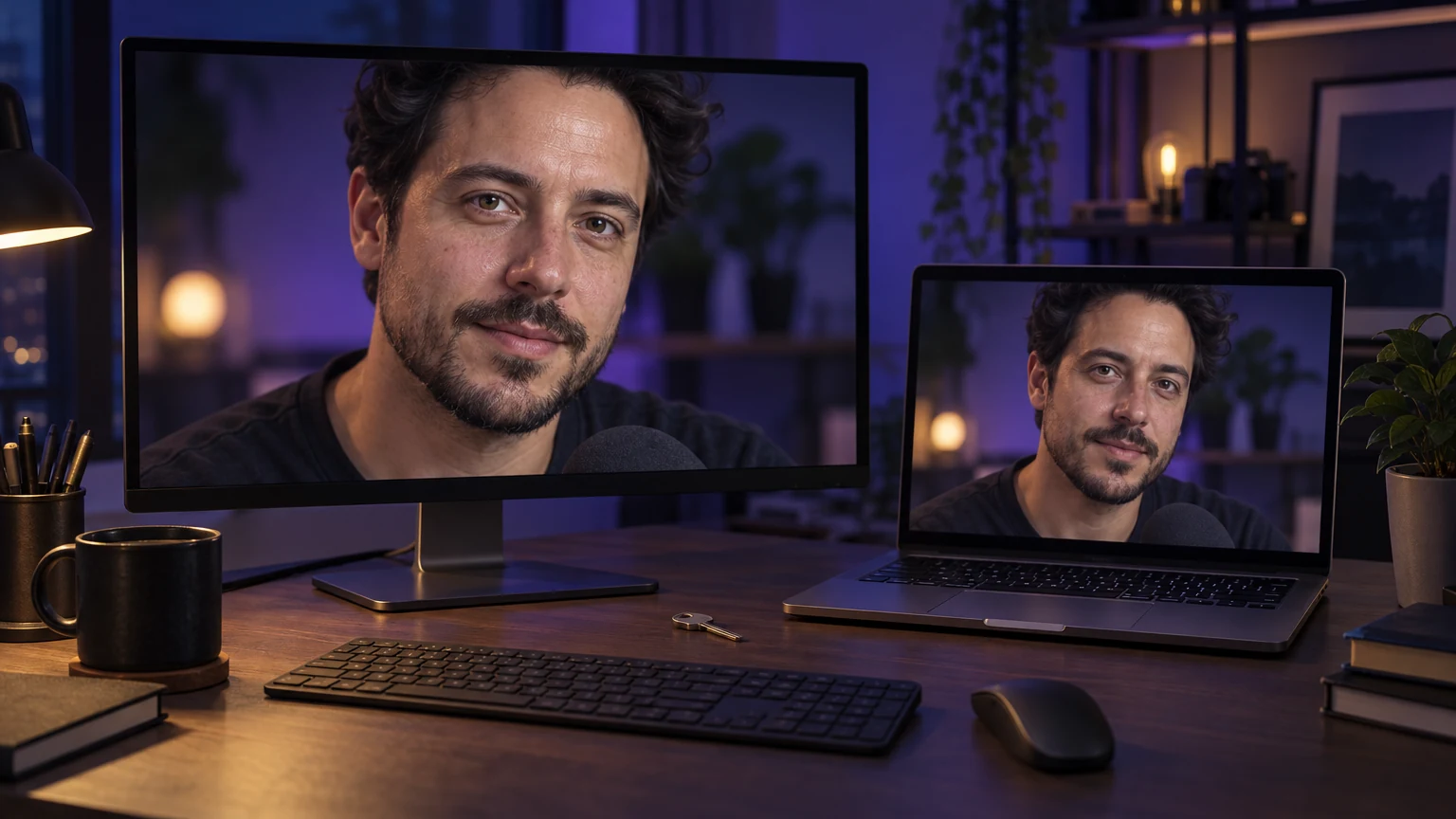
The best fit for this specific job: VanityFilter if you want adjustable skin retouching on Windows, a one-time payment and files you can use in different editors. It can reduce the masking work involved in hand retouching. It does not replace Premiere Pro or After Effects, and the time saved depends on the shot.
We make VanityFilter. This recommendation is based on its documented workflow and license, not an independent ranking or a measured speed contest. Prices below are US dollars, checked October 11, 2026, before tax. Adobe prices vary by region and promotion.
What do VanityFilter, Premiere Pro and After Effects cost?
Adobe lists Premiere at $22.99 per month and After Effects at $22.99 per month, each on an annual plan billed monthly. That means a yearly commitment paid in monthly installments. Adobe says both products are available through subscriptions; neither current app has an outright purchase option.
| Option | Payment | 12 months | 24 months |
|---|---|---|---|
| VanityFilter full license | $29.95 once, one user, up to two computers | $29.95 | $29.95 |
| Adobe Premiere | $22.99/month, annual plan billed monthly | $275.88 | $551.76 |
| Adobe After Effects | $22.99/month, annual plan billed monthly | $275.88 | $551.76 |
| Both Adobe single-app plans | $45.98/month combined | $551.76 | $1,103.52 |
| VanityFilter with a free editor | $29.95 for VanityFilter; $0 editor license | $29.95 | $29.95 |
The Adobe totals are arithmetic at a constant listed rate, not a renewal quote. They exclude discounts and optional plugins. Buying both single-app plans is one comparison, not a claim that it is Adobe's cheapest bundle: check Creative Cloud plans if you need several Adobe apps.
These products do different jobs. If you already pay for Premiere to edit client work, adding VanityFilter costs another $29.95; it does not erase that subscription. The subscription-free setup is VanityFilter plus a free editor. Its $29.95 full license is separate from the $9.95, 30-day paid demo and free three-day trial.
What does the perpetual license for two computers mean?
The full VanityFilter license has no subscription term to renew. One individual user may install it on up to two computers they own or control, such as a desktop and a laptop. It is not two seats for two editors. A studio needs a license for each person using the software. The license agreement contains the full terms.
A perpetual license describes the license duration. It does not guarantee that every future paid product or major upgrade is included, or that an old version will work with every future operating system.
The current Windows download checks its license locally. The announced next-release licensing system adds internet activation with purchase-email verification and periodic checks. After a successful check, it allows up to 30 days offline before another online check is required for new exports. Existing buyers use their current license without buying it again. Video processing stays on the computer. Check the current notice on the download page when choosing a version.
Why choose VanityFilter for the skin pass?
VanityFilter is built around the part of the job you are trying to shorten. It detects up to five faces per frame, including turned and profile heads, and builds a separate skin mask for each person. The mask keeps the treatment away from features such as eyes and lips. You can inspect it before processing, which matters more than a flattering frozen preview.
The smoothing controls let you adjust strength and radius, then retain texture with Detail Restore. Shine Removal handles bright skin glare, while Reduce Redness addresses flushed areas. Blemish Removal treats small spots. The Amount control blends the treatment toward the original. You can start lightly and check the moving result instead of committing to a heavy beauty preset.
For interviews with background faces, Primary face only and Ignore small faces help decide who gets treated. A single set of settings applies to the selected faces; separate masks do not mean independent slider settings for every person. Our multiple-face guide explains the limits and workarounds.
Saved presets and batch processing reduce repeated setup for clips shot under similar conditions. The app writes corrected video files, with H.264 and ProRes 422 HQ export options, and keeps the original audio. An optional skin mask matte gives you more control when compositing in your editor. No Adobe host is required.
Where hand retouching takes time
In a general editor, a basic skin pass might begin with a softened duplicate layer or effect, restricted by a mask. You then adjust the edge and track it as the head moves. Adobe's tracking documentation covers automatic tracking and the corrections a track can need. You do not necessarily paint every frame by hand. The time goes into building the treatment and fixing the frames where it fails.
A hand crossing the cheek can break a mask, and a profile turn changes its shape. With a second person in the shot, you have another area to manage. Isolated blemishes may need their own tracked repair, while a global blur can soften the eyes along with the cheeks. The Premiere skin-smoothing guide walks through the blur-and-mask route.
VanityFilter can save operator time by creating the skin masks and applying the chosen treatment automatically. You still need to choose settings and review the output, especially around occlusions or small faces. Rendering also takes time, and hardware and clip length affect it. We have not published a controlled head-to-head time benchmark against hand retouching in Adobe.
For a simple cost example, assume you value editing time at $30 an hour. Saving one hour on a project is worth $30, approximately the price of the full VanityFilter license. That is an illustration of the calculation, not a measured saving or a promise that your clip will take an hour less.
Hand retouching remains useful when one troublesome patch needs a precise repair or when the shot demands frame-specific artistic control. Automatic treatment is a starting point you must judge in motion. Our temporal-stability guide explains why a good still can hide a bad moving result.
Free video editors you can pair with VanityFilter
DaVinci Resolve's free edition handles editing and color work, with audio tools for finishing the episode. Retouch the source clip in VanityFilter, export it, and import the corrected file into Resolve. Codec support depends on the edition and operating system, so test a short file from your camera first. Resolve Studio is a separate paid product; do not assume every Studio effect is included in the free edition. See our Resolve skin-retouching comparison for that distinction.
Shotcut is a free, open-source editor for Windows, with no Adobe host requirement. You can use it to cut the retouched files and add audio or titles. For a straightforward recorded interview, it is another way to keep editor license costs at zero.
This is a file-based workflow. VanityFilter is a standalone app, not a plugin you adjust on the Premiere or Resolve timeline. Keep the camera originals, export to a separate folder and check a short round trip before running a long batch. H.264 is a practical delivery format; ProRes 422 HQ is an option when you want an editing intermediate and have the storage for larger files.
A practical workflow, with or without Adobe
- Choose a short representative section of the original recording. Include the head turn or lighting change you expect to be difficult.
- Open it in VanityFilter and start with a light treatment. Inspect the skin mask. Use Shine Removal or Reduce Redness only where the footage calls for them.
- Preview at 100 percent and in motion. Check feature edges and whether the skin still has texture. Save a preset if other clips use the same setup.
- Export a test file, then import it into Premiere, Resolve or Shotcut. Confirm sync and image quality before processing the rest. Finish the edit in that editor.
If you already have a locked cut, treating only the shots that need help can reduce unnecessary processing. If you have many similar camera files, a batch before editing may be easier. Choose the order that keeps revisions manageable.
Watch the skin controls on a real clip
This existing walkthrough shows the settings used for one creator clip, followed by the export. It demonstrates the workflow; it is not a timed comparison against Premiere or After Effects. The settings are examples for that footage, not universal values.
When is VanityFilter the best answer?
Choose VanityFilter when you edit recorded video on Windows and want a dedicated skin pass without another recurring license bill. At $29.95 for one user on two computers, it is a small purchase compared with a year of either Adobe single-app plan. Pair it with a free editor if the goal is to avoid editing subscriptions completely.
Keep Premiere when its editing workflow is part of your job. Keep After Effects for compositing or motion graphics. If the retouch must stay adjustable inside a host timeline, a dedicated plugin may suit you better; our Beauty Box and Magic Bullet Cosmo comparisons cover those choices. VanityFilter's advantage is the focused skin pass and portable output, not replacing an entire post-production package.
Frequently asked questions
Is there a one-time purchase alternative to Adobe for video skin retouching?
Yes. VanityFilter is a standalone Windows skin-retouching app with a $29.95 perpetual full license for one user on up to two computers. You export the treated clip and finish the edit in a separate video editor.
Does VanityFilter replace Premiere Pro or After Effects?
No. VanityFilter handles the skin-retouching pass. Premiere handles timeline editing, and After Effects handles compositing and motion graphics. VanityFilter can work alongside them or with a free editor.
How much do Premiere and After Effects cost compared with VanityFilter?
Adobe lists each single app at US$22.99 per month on an annual plan billed monthly, checked October 11, 2026. That is $275.88 per app over 12 months at the same rate, before tax. VanityFilter's full license is $29.95 once. Bundles and promotions can change the Adobe comparison.
Can I use one VanityFilter license on two computers?
Yes. The full license covers one individual user on up to two computers they own or control. It does not cover two separate editors. See the license agreement for the full terms.
Which free editors work with VanityFilter?
DaVinci Resolve's free edition and Shotcut can edit exported VanityFilter clips. This is a file-based workflow, not a plugin connection. Test a short export for codec compatibility before processing a full project.
How much time does automatic skin retouching save?
There is no fixed saving. VanityFilter automates skin masking and treatment, which can reduce manual setup and tracking corrections. You still choose settings, review the moving result and wait for the render. No controlled Adobe time comparison is claimed.
Does a perpetual license mean VanityFilter never needs internet access?
No. The current Windows download checks licenses locally, but the announced next-release system uses internet activation and periodic checks, with up to 30 days offline after a successful check. A perpetual license describes its duration, not permanent offline access.